





What Is Order-to-Cash? A Complete Guide for B2B Finance Teams
For B2B finance teams, contract-to-cash or order-to-cash (O2C) has traditionally meant stitching together spreadsheets, email threads, and disconnected tools. Contract terms get buried in PDFs. Pricing logic lives in someone's head. Usage data scatters across systems with no reconciliation.
The result? Slowed revenue, reporting mismatches, and audit prep nightmares.
B2B finance teams need an order-to-cash system that can handle managing complex billing models, fragmented systems, and manual revenue processes.
This guide breaks down how order-to-cash software works, the key steps in the O2C cycle, and what to look for when evaluating platforms that can automate invoicing, collections, cash application, and ASC 606 Revenue Recognition.
What is order-to-cash software?
Order-to-cash software automates the process of turning orders into cash from the moment a customer places an order to the final payment landing in your bank account. This means handling credit checks, order validation, invoicing, collections, cash application, and reporting in one connected system.
Modern order-to-cash automation replaces this fragmentation with a system of intelligence. Tabs, for example, doesn't just extract contract data. It uses AI models to classify key terms (pricing, proration, ramps, renewals, and usage rules) and map them into accurate billing workflows and Revenue Recognition entries. That commercial context is what separates purpose-built Revenue Automation from generic tools.
Before diving deeper, here's how O2C fits into the broader financial picture:
- Order-to-cash (O2C): The end-to-end process from order placement through cash collection and bank reconciliation
- Quote-to-cash (Q2C): Extends O2C upstream to include CPQ and contract negotiation
- Contract-to-cash: The workflow Tabs focuses on—operationalizing signed contracts into billing, collections, and Revenue Recognition
- Cash application: Matching incoming payments to open invoices
- Dunning: Automated payment reminder workflows for overdue balances
The 8 steps for the order-to-cash process
The order-to-cash cycle follows a logical sequence that turns signed contracts into recognized revenue. Understanding each step reveals where manual bottlenecks slow down your cash flow and where automation adds the most value.
1. Order management and validation
Orders flow from your CRM or eCommerce system into your finance stack. The software validates these orders against executed contracts, pricing rules, and credit limits. This automated check ensures what sales sold actually matches what finance can bill.
Why it matters: Catching mismatches here prevents billing disputes downstream.
2. Credit management and approvals
Before fulfilling an order, you evaluate the customer's ability to pay. Automated credit decisioning uses risk scoring to approve accounts and set credit limits without manual handoffs. No more waiting days for manual credit checks to clear.
Why it matters: Faster approvals mean faster revenue without increasing bad debt risk.
3. Fulfillment and shipping status
For companies with physical goods or service milestones, fulfillment triggers the next financial step. The system logs delivery or completion dates to ensure compliance with contract terms. While less relevant for pure SaaS, this step remains critical for hybrid business models.
Why it matters: Accurate fulfillment data ensures you bill at the right time.
4. Invoicing and billing events
Invoices must reflect the exact terms of the contract. Tabs automates invoice creation directly from signed contracts—no manual PDF review or data re-entry required. Whether you use subscription pricing, usage-based pricing, or hybrid pricing, the invoice-to-cash process starts with an invoice that reflects the contract terms.
Why it matters: Accurate first invoices eliminate disputes and accelerate payment.
5. Payment collections and dunning
Once the invoice goes out, the clock starts on your receivables. Automated payment reminders and embedded payment links make it easy for customers to pay. Modern platforms use AI models trained on historical collections outcomes to classify payment behavior and prioritize outreach based on predicted late-payment risk and invoice context.
Why it matters: Proactive collections reduce Days Sales Outstanding (DSO).
6. Cash application and matching
Incoming payments via wire, Automated Clearing House (ACH), or check must match to their corresponding open invoices. AI-powered cash application reads remittance advice and automatically reconciles financial records. According to Deloitte, this is the area expected to see the highest magnitude of change from AI. This eliminates the tedious spreadsheet work that traditionally consumes hours of accounting time—part of the 80% of finance activities KPMG projects will be automated.
Why it matters: Faster matching means cleaner books and less unapplied cash.
7. Disputes and deductions workflow
Customers sometimes short-pay invoices due to billing errors or promotional deductions. Centralized dispute tracking captures these discrepancies immediately so your team can resolve them. Catching issues early prevents revenue leakage.
Why it matters: Unresolved disputes erode margins and damage customer relationships.
8. Reporting and analytics visibility
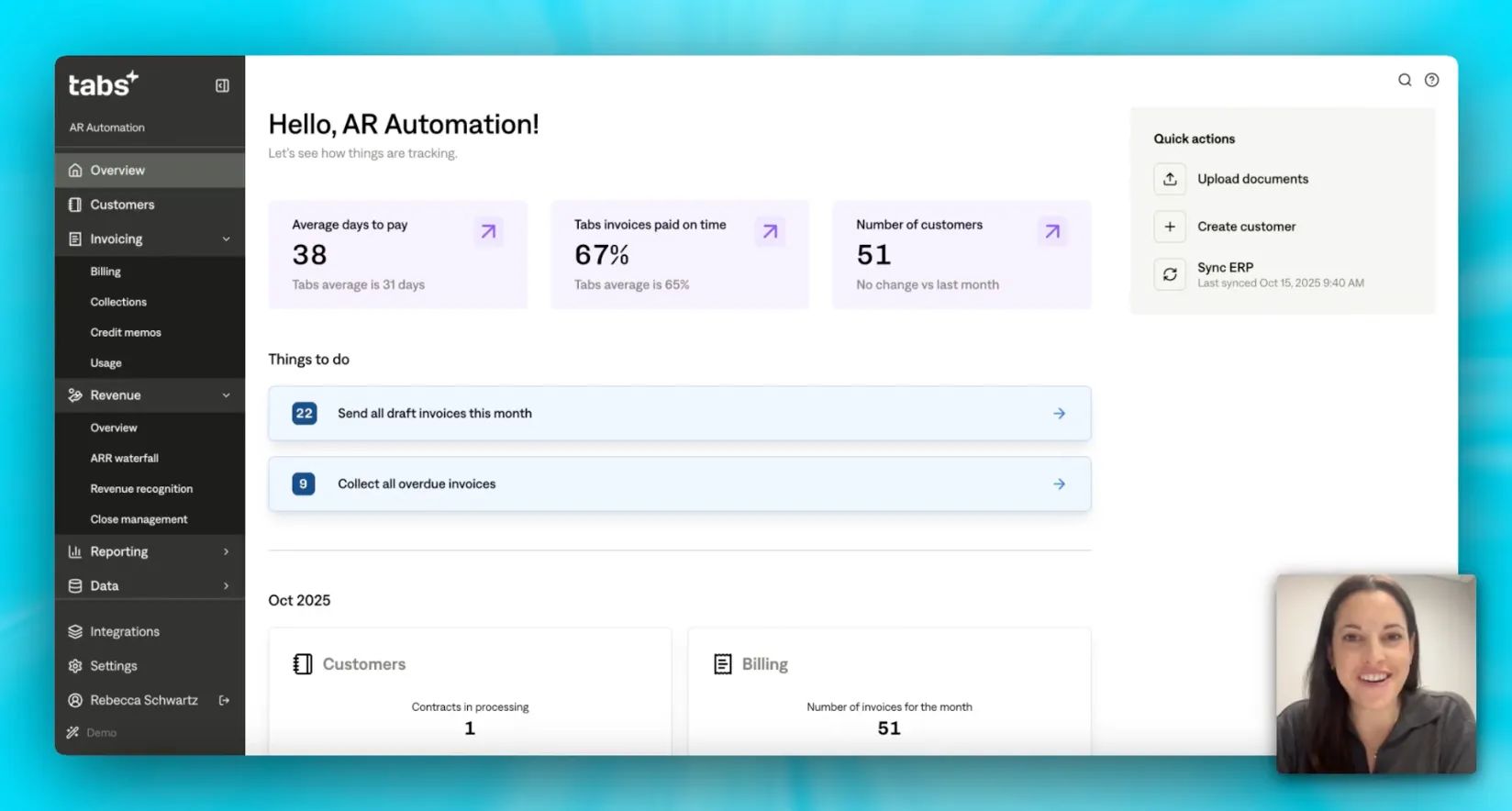
Modern finance leaders need real-time visibility into their cash position. Automated dashboards track accounts receivable (AR) aging, DSO, and unapplied cash. This audit-ready visibility helps you know where your working capital stands at any point in time.
Why it matters: You can't improve what you can't measure in real time.
Order-to-cash software benefits for B2B finance teams
The best finance teams close with clarity. No last-minute surprises, revenue reinstatements, or investor concerns during audits. That confidence comes from systems that are structurally sound, not duct-taped together.
Order-to-cash automation delivers measurable outcomes:
- Accelerated cash flow: Automated invoicing and intelligent dunning reduce time-to-payment dramatically
- Lower DSO: Proactive collections and embedded payment links close the gap between invoice and cash
- Reduced manual work: AI-powered cash application eliminates spreadsheet reconciliation at month-end
- Fewer errors: Contract-driven invoicing prevents billing disputes before they start
- Audit-ready compliance: A unified data trail from contract to cash simplifies Accounting Standards Codification 606 (ASC 606) reporting
What separates modern platforms from legacy tools is commercial context. Order-to-cash software needs to understands the business implications of contract terms and translates them into accurate billing workflows. In fact, 49% of CFOs now prioritize automating processes to free employees for higher-value work.
That depth is what enables finance to become a strategic driver of growth rather than a bottleneck.
3 systems that power order-to-cash automation
Modern O2C platforms act as the intelligent layer connecting your entire finance stack—making existing tools more powerful while eliminating the manual work required to keep them synchronized.
1. ERP systems and financial record
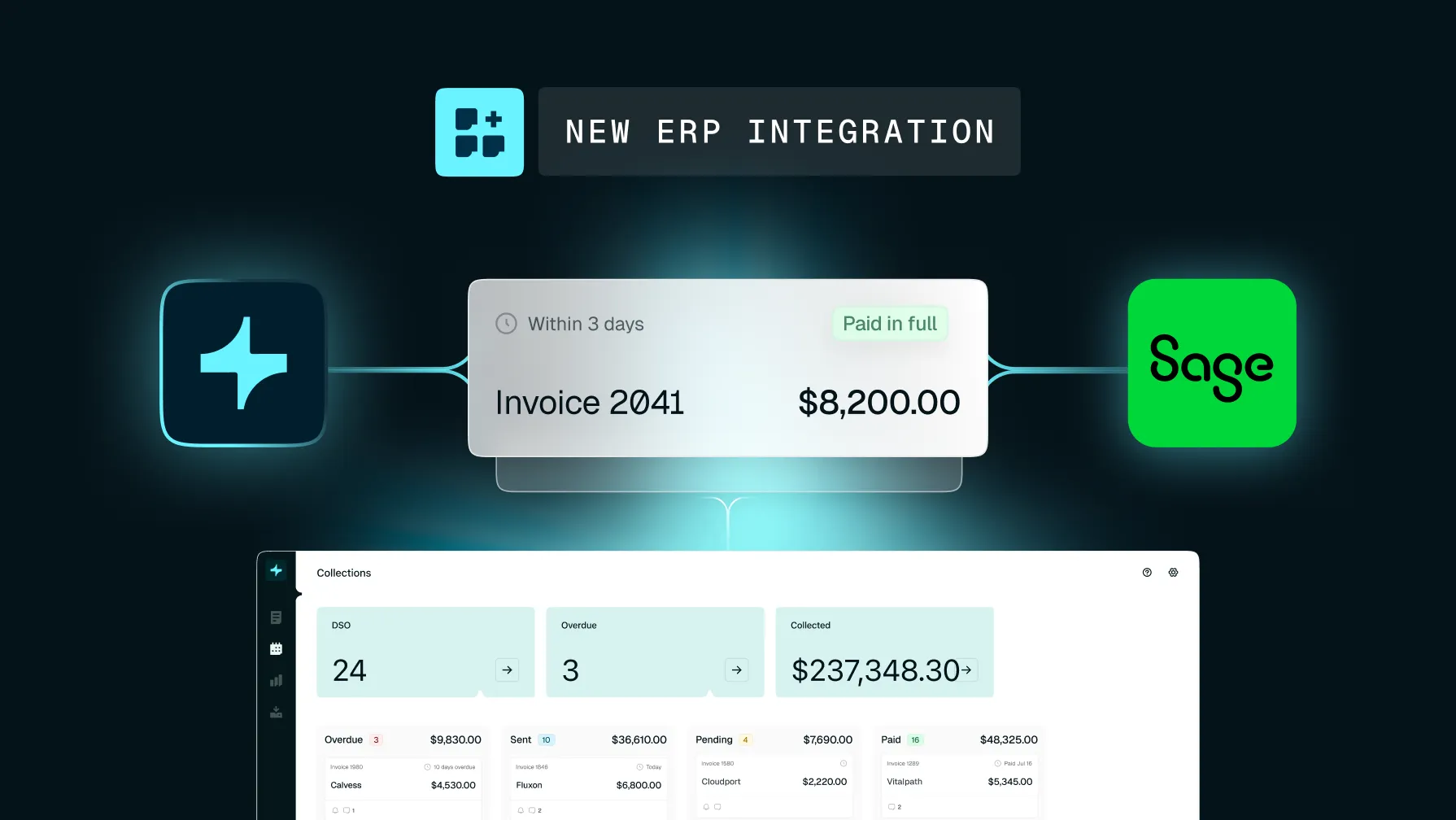
Your enterprise resource planning (ERP) system serves as the source of truth for your general ledger. Order-to-cash software syncs directly with these systems to post journal entries and generate Revenue Recognition entries that your ERP records in the general ledger. Tabs offers native, prebuilt connectors for NetSuite, Sage Intacct, and QuickBooks—no custom middleware required.
2. CRM and order systems alignment
The O2C journey begins upstream in your CRM. When a deal closes, contract data must flow flawlessly into your billing infrastructure. Tabs sits downstream of your CRM and CPQ, ingesting signed contracts directly to operationalize revenue without manual data entry.
3. Payment gateways and billing platforms
Collecting cash requires secure connections to payment processors. Modern software integrates with gateways to handle ACH, wire transfers, and credit card payments. Embedding payment links directly into invoices removes friction for your buyers.
Critical features in order-to-cash software
Evaluating order-to-cash automation requires looking past generic features to find capabilities built for B2B complexity. You need tools that understand the nuances of your specific revenue models.
| Feature | Traditional O2C tools | Tabs |
|---|---|---|
| Invoice creation | Manual data entry | Automated from contracts |
| Dunning | Static email templates | AI-powered with payment links |
| Revenue Recognition | Spreadsheet-based | Automated Accounting Standards Codification 606 (ASC 606) compliance |
| ERP sync | Manual or batch | Real-time, bidirectional |
| Usage-based billing | Limited or custom | Native support |
Credit management and onboarding
Strong software handles customer onboarding with automated credit checks and risk scoring. It establishes credit limits before the first order processes. This protects your business from bad debt from day one.
Automated invoicing and revenue recognition
Generating invoices shouldn't require a human to read a PDF. Tabs uses AI to extract terms from signed contracts and automatically generates accurate invoices. Revenue schedules update in real time as usage is consumed, ensuring ASC 606 compliance without manual spreadsheet calculations.
AI-powered cash application and collections
Matching payments to invoices manually wastes valuable accounting hours. Intelligent payment matching and automated dunning sequences take over this burden. AI models identify payment behavior patterns and apply contract context—prioritizing collection efforts based on predicted payment risk and documented invoice history, not static rules.
How to choose order-to-cash software for your ERP stack
Selecting the right order-to-cash solution dictates how efficiently your finance team will scale. Can your current stack answer complex billing questions in under 5 minutes?
If you're evaluating a NetSuite order-to-cash solution, integration depth is your first priority. You need a platform that enhances existing tools rather than forcing a complete rip-and-replace.
Key evaluation criteria:
- Integration depth: Does the platform offer native ERP connectors, or will you build and maintain custom middleware?
- Billing model support: Can it handle subscription, seat-based, Usage-Based Billing, and hybrid models without custom development?
- Time-to-value: How quickly can your team go live—weeks or months?
- Security and compliance: Is the platform SOC 2 certified with audit-grade controls?
- API extensibility: Can your engineering team embed billing capabilities directly into your product?
Implementation roadmap for order-to-cash automation
Deploying order-to-cash automation doesn’t have to be a painful, year-long project. A structured, phased approach supports a smooth transition with minimal disruption.
- Phase 1 — Discovery: Map current contract-to-cash workflows, identify bottlenecks, define success metrics
- Phase 2 — Configuration: Set up billing rules, connect ERP and CRM, configure dunning sequences
- Phase 3 — Migration: Import historical contracts, validate invoice accuracy, reconcile open AR
- Phase 4 — Testing: Run parallel processing, verify ERP sync, confirm Revenue Recognition entries
- Phase 5 — Go-live: Cutover to production, monitor KPIs, provide hypercare support
Order-to-cash KPIs and ROI for finance leaders
You can't improve what you don't measure. Modern finance leaders rely on specific order-to-cash analytics to prove return on investment, like:
- Days Sales Outstanding (DSO): Average days to collect payment after invoice
- Collection Effectiveness Index (CEI): Percentage of receivables collected within a period
- First-pass match rate: Percentage of payments auto-matched without human intervention
- Unapplied cash: Payments received but not yet matched to invoices
- Cost to collect: Total AR department cost divided by amount collected
Why B2B finance teams choose Tabs for order-to-cash automation
Finance is the connective tissue of modern business. You deserve tools that move at the speed of change—not patchwork tech stacks that hold you back.
Customers like Statsig reported materially reducing aged receivables and supporting higher invoice volume without adding headcount. Cortex reported reducing overdue invoices by 50% after implementation.
These results happen because Tabs operationalizes signed contracts with commercial context that generic tools simply can't match.
Explore how Tabs can help you go live in <30 days. Schedule a demo to learn how Tabs can modernize your order-to-cash workflows.
Frequently asked questions
Can order-to-cash software automate ASC 606 revenue recognition for usage-based billing models?
Yes. Modern platforms like Tabs automate Revenue Recognition by applying contract terms and billing data to generate ASC 606-compliant entries across subscription, usage-based, and hybrid models—eliminating manual spreadsheet calculations.
How does order-to-cash software integrate with NetSuite or Sage Intacct without custom middleware?
Leading platforms offer prebuilt, bidirectional integrations that sync invoices, payments, and revenue entries in real time. Native connectors eliminate the need for custom middleware or manual CSV uploads.
What KPIs should finance teams track to measure order-to-cash automation ROI?
DSO reduction, first-pass cash application match rate, and unapplied cash percentage are the most direct indicators. Tracking these metrics before and after implementation clearly demonstrates financial impact.