
Launching rocket icon.
September Release: The AI Operating System for Revenue

Order-to-Cash Software: How B2B Finance Teams Eliminate Revenue Leakage

Tabs is the AI-powered order-to-cash platform for B2B finance teams. Automate the full cycle—from contract to invoice, collections, revenue recognition, and reporting—so cash lands faster and nothing slips through the cracks.

3788
8
6030
0
%
less time spent on AR
0733
3
-
8325
5
x
scaled billing output
8091
1
6240
0
%
less aged receivables
Cursor LogoStatsigcortex2xTennr LogoMavenAGIInspiren

What is order-to-cash software?

Order-to-cash software automates the financial processes that turn a signed customer agreement into collected and recognized revenue. It connects contract and order data with invoicing, collections, cash application, revenue recognition, and reporting so finance teams can manage the entire cycle with less manual work.

The order-to-cash process starts when a customer commits to buy and continues until the resulting revenue has been collected, recognized, and reported. For B2B companies, that process can span multiple systems and teams. Contract terms may live in one place, usage in another, invoices in the ERP, and collection activity somewhere else.

Order-to-cash automation keeps those steps connected as the business grows. Instead of manually carrying information from a contract into a spreadsheet, billing system, AR workflow, and accounting system, finance teams can maintain a continuous flow from the commercial agreement through the financial outcome.

The order-to-cash cycle in six steps

  • Contract and order intake: Capture customer terms and billing requirements.
  • Credit review: Assess risk before extending payment terms.
  • Invoicing: Calculate charges and send accurate invoices on time.
  • Collections: Track receivables and follow up on outstanding balances.
  • Cash application: Match incoming payments to the correct invoices.
  • Revenue recognition: Recognize and report revenue according to accounting rules.

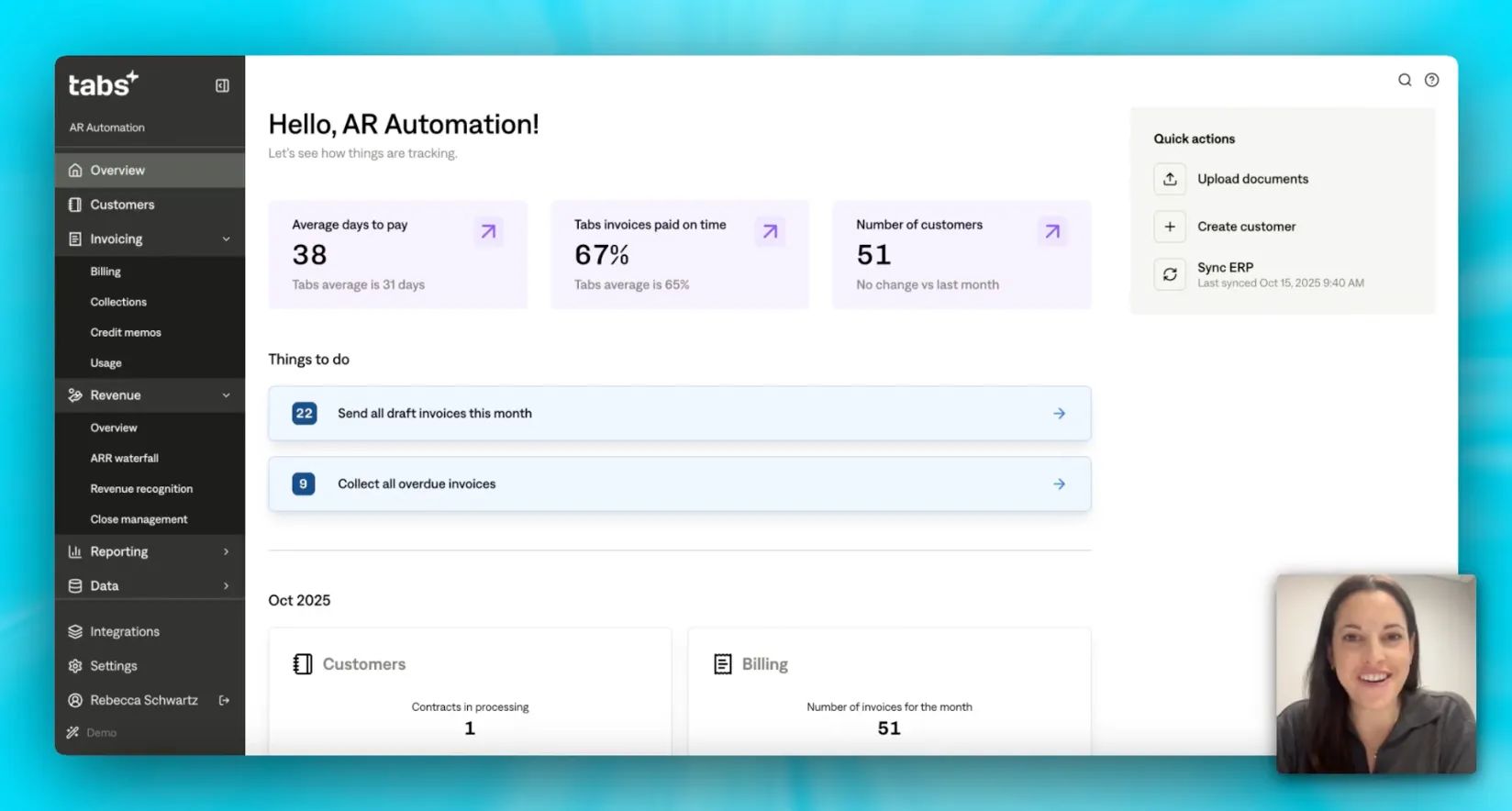
Tabs is a full order-to-cash solution built around the finance workflow. Billing turns commercial terms into invoices, Collections moves invoices toward cash, Revenue Recognition keeps revenue schedules compliant, and Reporting gives finance a consistent view across the cycle.

solution intro

Where revenue leaks in the order-to-cash cycle

Revenue leakage happens when the terms of a customer agreement fail to make it all the way through billing, collections, and accounting. A missed contract change, delayed invoice, aging balance, or disconnected system can reduce what gets billed, slow what gets collected, or distort what gets reported.

History icon

Underbilling from missed contract terms

Customer agreements rarely stay static. An upsell changes the amount owed. A price uplift takes effect. Usage crosses a new tier. When those changes depend on someone updating a spreadsheet or billing schedule manually, they can be missed. The customer keeps receiving invoices, but not necessarily for everything the contract says you should collect.

History icon

Late or skipped invoices

Every day an invoice sits in a spreadsheet or approval queue is another day before the payment clock starts. Manual invoice generation can push billing days or even weeks past the intended date. DSO stretches as a result, and cash that should have arrived this month can slip into the next reporting period.

History icon

Revenue recognition errors

Mixed revenue models make manual revenue recognition difficult to maintain. Subscription revenue may follow one schedule while usage or one-time services follow another. When those calculations live in spreadsheets, finance teams face more reconciliation work, greater audit exposure, and a higher risk that ARR, MRR, or recognized revenue is misstated.

History icon

Blind spots between contract and cash

Billing, collections, revenue recognition, and reporting often live in different systems. That fragmentation makes leakage harder to see because no single view shows what was contracted, what was billed, what remains unpaid, and what was ultimately recognized. Problems can compound before finance has enough information to identify the source.

History icon.

Aged receivables and bad debt

Sending an invoice is only the beginning. When collection follow-up is inconsistent, overdue balances accumulate quietly. One-off emails and manual account reviews make it difficult for a small AR team to pursue every balance at the right time. The longer invoices age, the harder they become to collect.

What to look for in order-to-cash software

The best order-to-cash software should do more than automate isolated finance tasks. It should connect the stages that determine whether contracted revenue becomes accurate invoices, collected cash, and properly recognized revenue. Evaluate any order-to-cash system against the workflow your finance team actually needs to run.

  • Copy icon

    Coverage of the full cycle, not just one step

    Start by defining where the platform begins and ends. Some order-to-cash tools focus primarily on invoicing or collections, which still leaves finance connecting the rest of the process manually. Ask whether the platform follows revenue from contract through billing, collections, recognition, and reporting, or whether you will still need separate vendors and reconciliation workflows between them.

  • Chat icon

    Support for your billing model—including complex ones

    Your order-to-cash platform should reflect how you actually sell. Fixed subscriptions are only one possibility. Usage-based, milestone, and hybrid agreements introduce changing quantities, rates, triggers, and billing dates. If you operate multiple pricing models, make sure the platform can calculate them without forcing finance or engineering to maintain custom billing logic.

  • Shuffle icon

    Integration with the finance stack

    O2C software should work with your existing ERP, CRM, and payment infrastructure rather than creating another isolated source of data. Look for native integrations with systems such as NetSuite, QuickBooks, Sage Intacct, Salesforce, and HubSpot. Information should move between systems without finance repeatedly copying, exporting, and reconciling the same records.

  • Blurred orange calendar icon.

    AI that actually does the work 

    Ask what “AI-powered” means in practice. Generating an insight or summarizing a dashboard is different from executing finance work. Useful AI automation can take action inside the workflow, including creating invoices, following up on outstanding balances, matching payments to invoices, and handling reconciliations while keeping finance in control of the process.

  • Purple ringing bell icon.

    Built-in revenue recognition and audit trail 

    Many O2C systems effectively end once cash is applied. Finance does not. If revenue recognition happens in a separate spreadsheet or tool, you still have a major break in the cycle. Look for GAAP and ASC 606 support, flexible revenue schedules, and an audit trail that lets finance explain how recognized revenue ties back to the underlying agreement.

  • Copy icon.

    Real-time visibility across billing, AR, and revenue 

    Reporting should use the same underlying data as your billing and collections workflows. Otherwise, finance is left reconciling the dashboard against the books before trusting the numbers. A connected order-to-cash platform should show billing activity, AR aging, DSO, collections, and revenue from a consistent data model.

How Tabs order-to-cash software works

Tabs connects the financial stages between a signed agreement and recognized revenue in one platform. Billing, Collections, Revenue Recognition, and Reporting each handle a distinct part of the O2C cycle while working from the same commercial and financial context.

Billing Model

Billing: Turn contracts into invoices, instantly

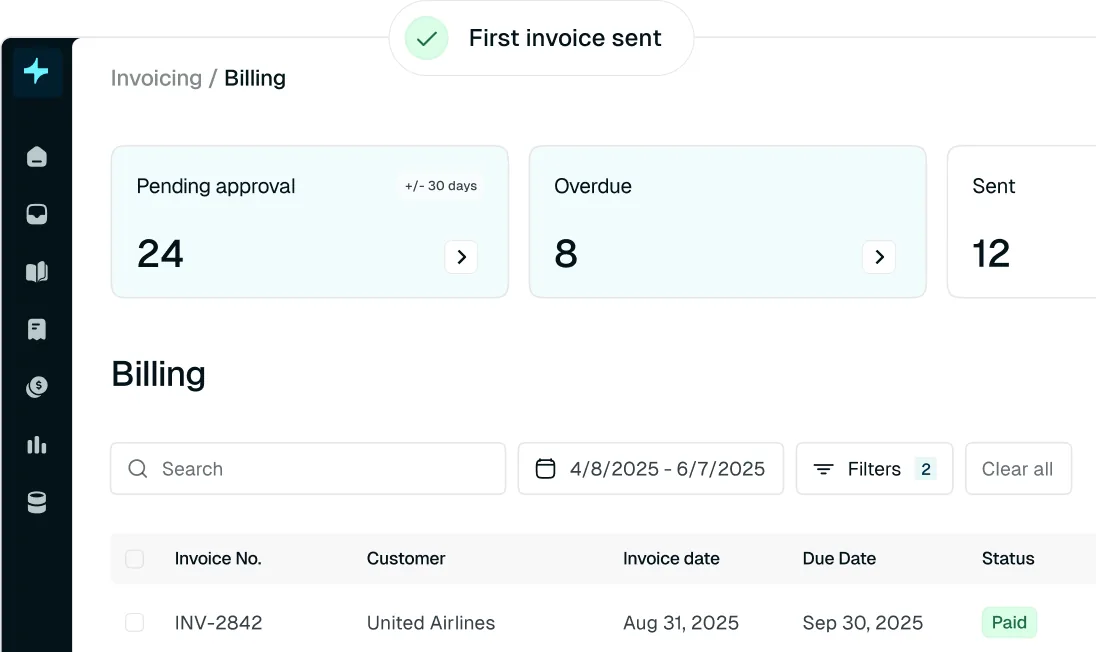
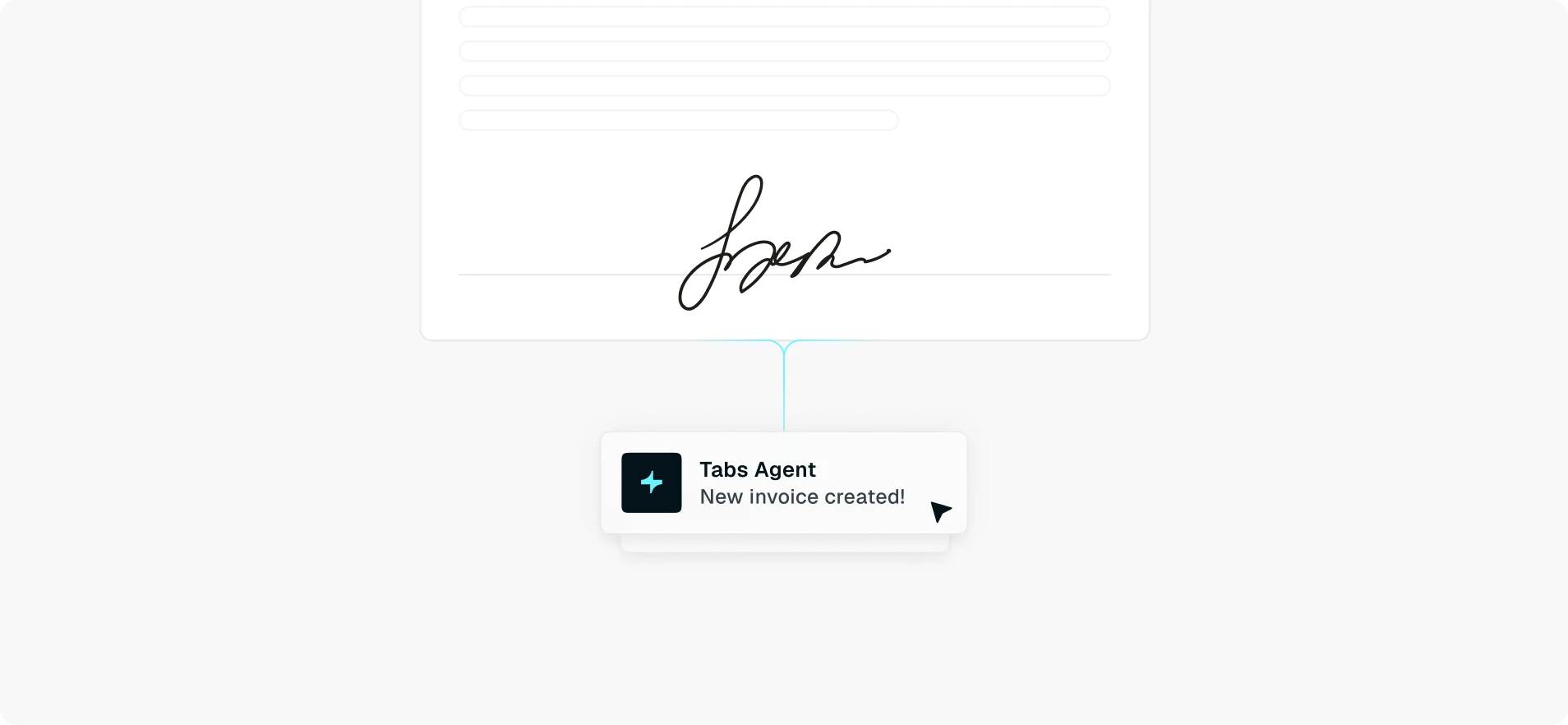
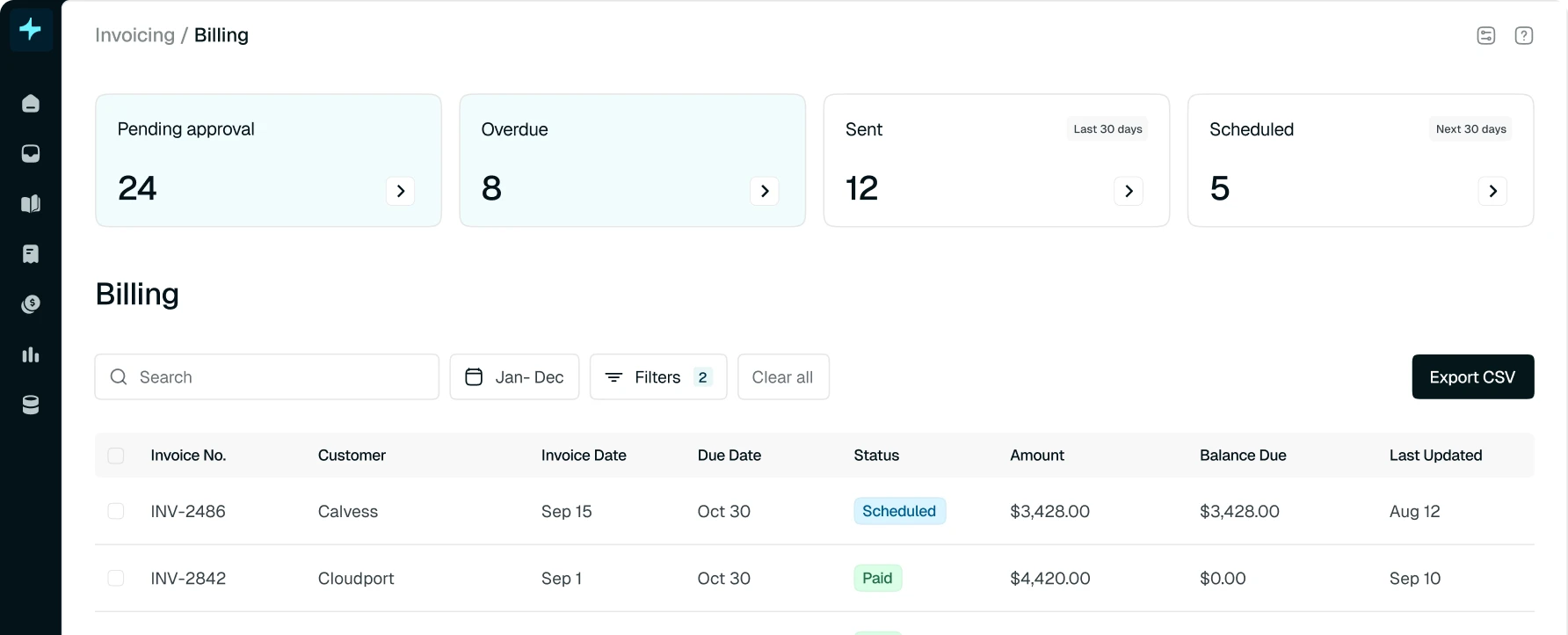
Tabs Billing prevents underbilling and late invoicing by starting with the contract as the source of truth. Billing terms can flow into schedules and invoices without finance manually translating each agreement into a spreadsheet or billing system. When commercial terms change, the billing workflow can reflect those changes so invoices remain accurate and revenue does not disappear between the contract and the customer bill.

Collections

Collections: Accelerate cash collection and cut DSO in half

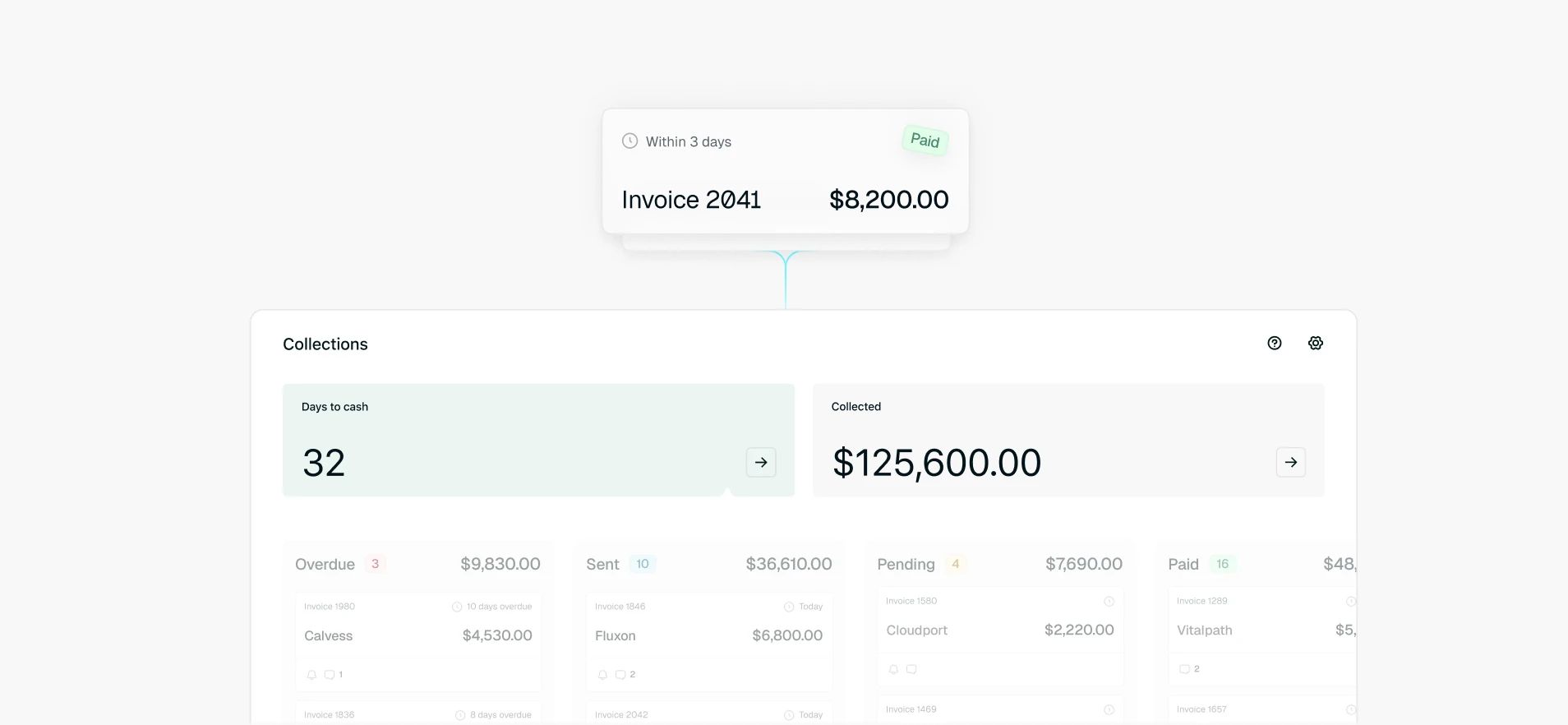
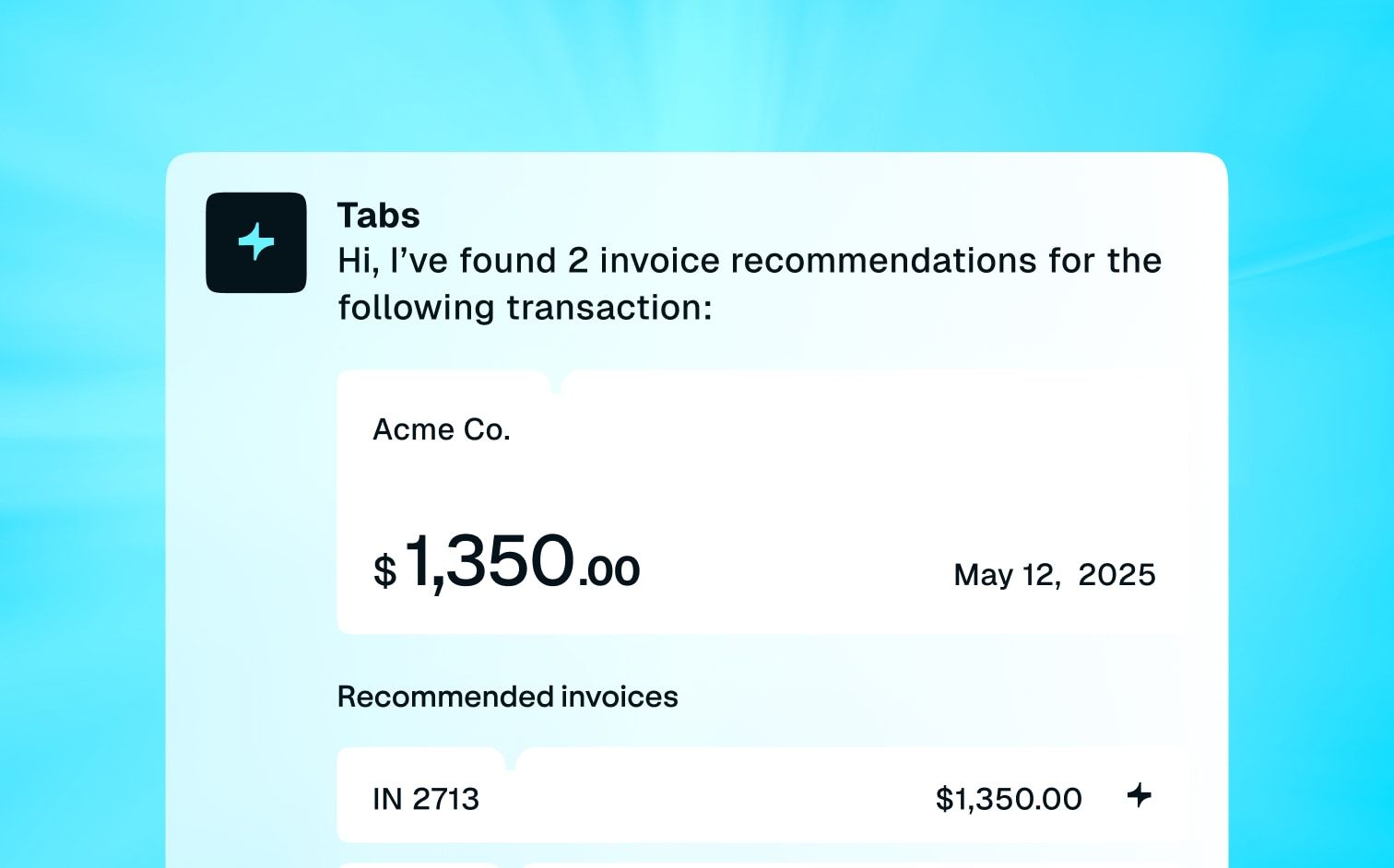
Accurate invoices still need to turn into cash. To avoid revenue leakage from aged receivables and bad debt, Tabs Collections keeps outstanding balances moving with automated follow-up and payment matching. Customers have an easier way to pay while finance has a consistent collections process across the full AR book—instead of relying on one-off emails and manual account reviews.

  • Smart dunning: Personalized dunning sequences with context.
  • Cash application: Auto-matches payments to open invoices.
  • Customer payment portal: Accept payments via credit card, ACH, wire, or check from a single invoice.

Revenue Recognition

Revenue Recognition: Stay compliant across complex and changing revenue models

full block

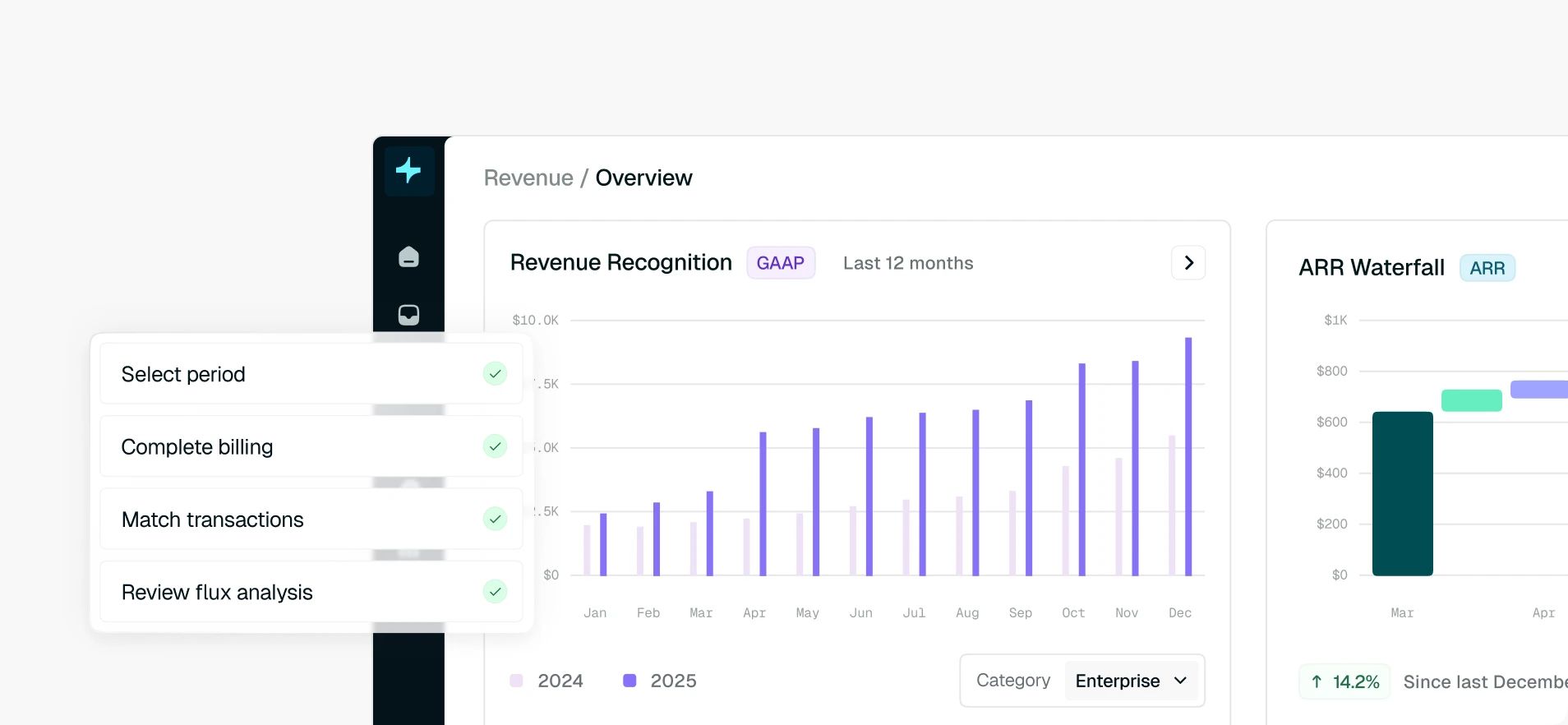
Tabs carries the same contract and billing logic into Revenue Recognition, reducing the spreadsheet work required to translate invoicing activity into compliant revenue schedules. Finance can manage subscription, usage, and other revenue structures while maintaining the documentation needed to support the close and respond to auditor questions. Eliminate RevRec errors with the following capabilities:

  • Automated GAAP compliance
  • Flexible non-GAAP views
  • Revenue close management

Reporting

Reporting: Turn clarity into smarter decisions

A connected O2C process creates a consistent financial view from contract through cash, all without rebuilding the numbers in spreadsheets. Tabs Reporting draws directly from the same billing, collections, and revenue data so teams can identify previous blind spots: aging balances, DSO, billing activity, and all the changes that occur throughout the customer lifecycle. Track AR aging, DSO, billing, collections, and revenue in one place—with real-time accuracy and drill-downs that replace manual spreadsheets.

Tabs AI Agents extend that workflow further. Your 24/7 billing and revenue co-workers handle invoices, collections, and reconciliations, taking repetitive execution off the finance team's plate while the underlying workflow remains connected from contract through revenue.

Order-to-cash software for any billing model

Your O2C automation process should not break every time the business introduces a new way to price. Tabs supports straightforward recurring agreements as well as usage-based and hybrid models, so finance can manage different commercial structures in the same order-to-cash system.

calendar
Fixed & Subscription-Based

Subscription-based billing: Recurring billing, automated end-to-end

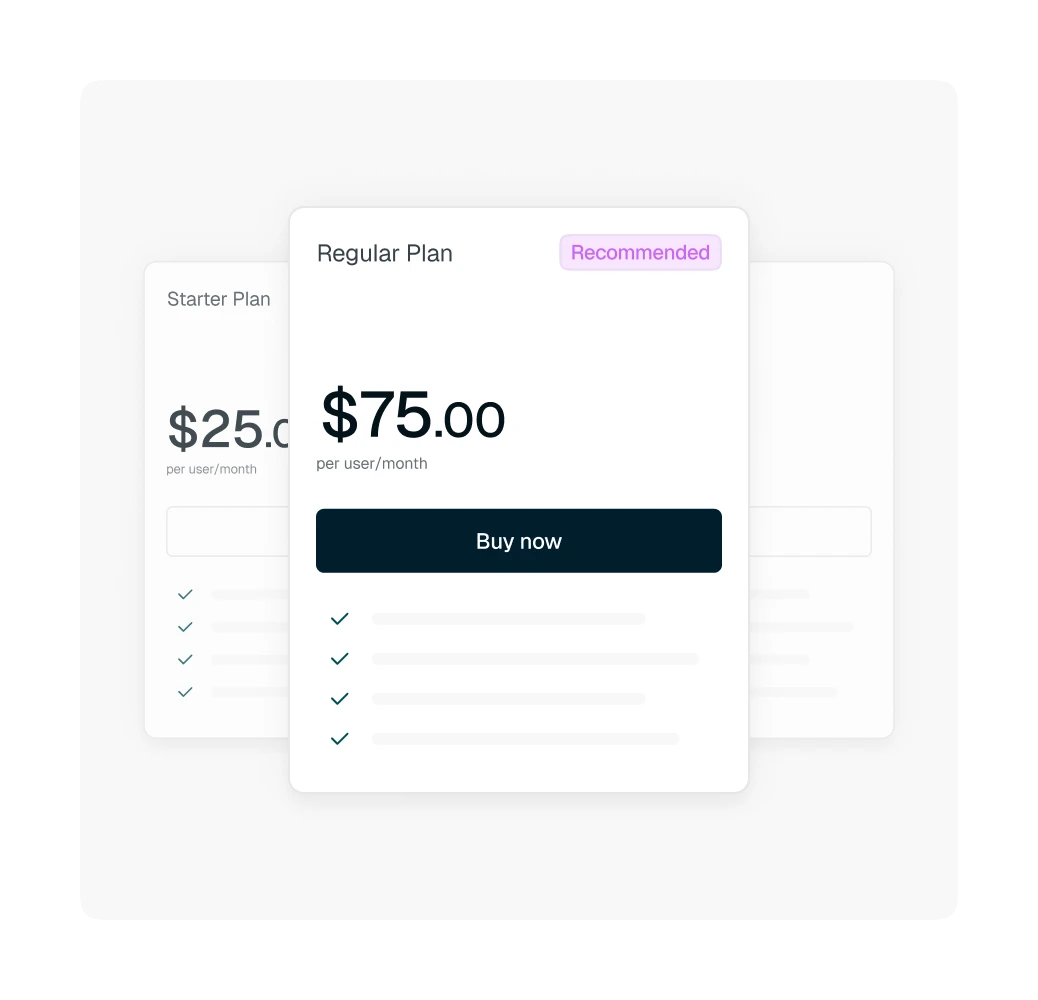
Manage flat recurring fees across monthly, quarterly, or annual billing schedules. Tabs can carry contract terms into recurring billing while accounting for the changes that make subscription agreements harder to manage manually, including renewals and mid-term adjustments.

image
Speedometer icon.
Usage-Based & Metered Billing

Usage-based & metered billing: Automatically bill what's used

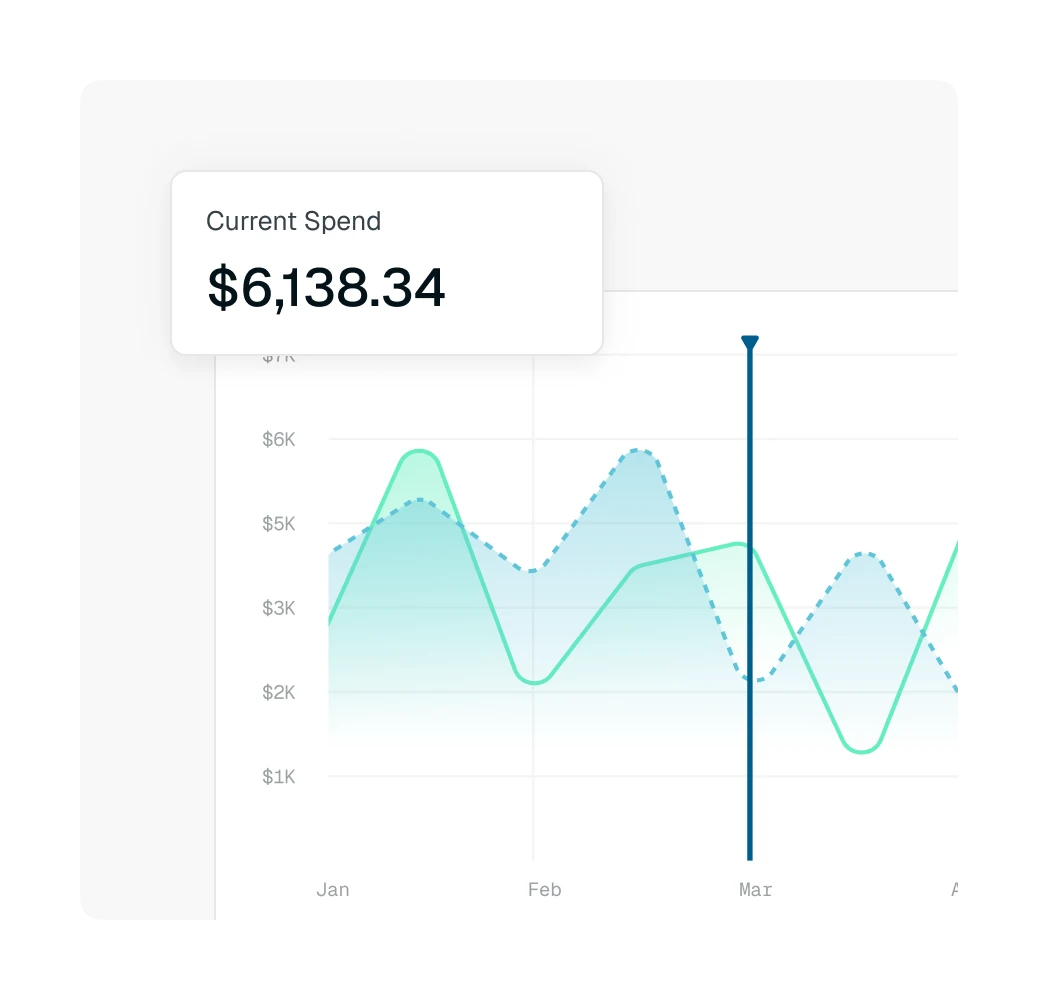
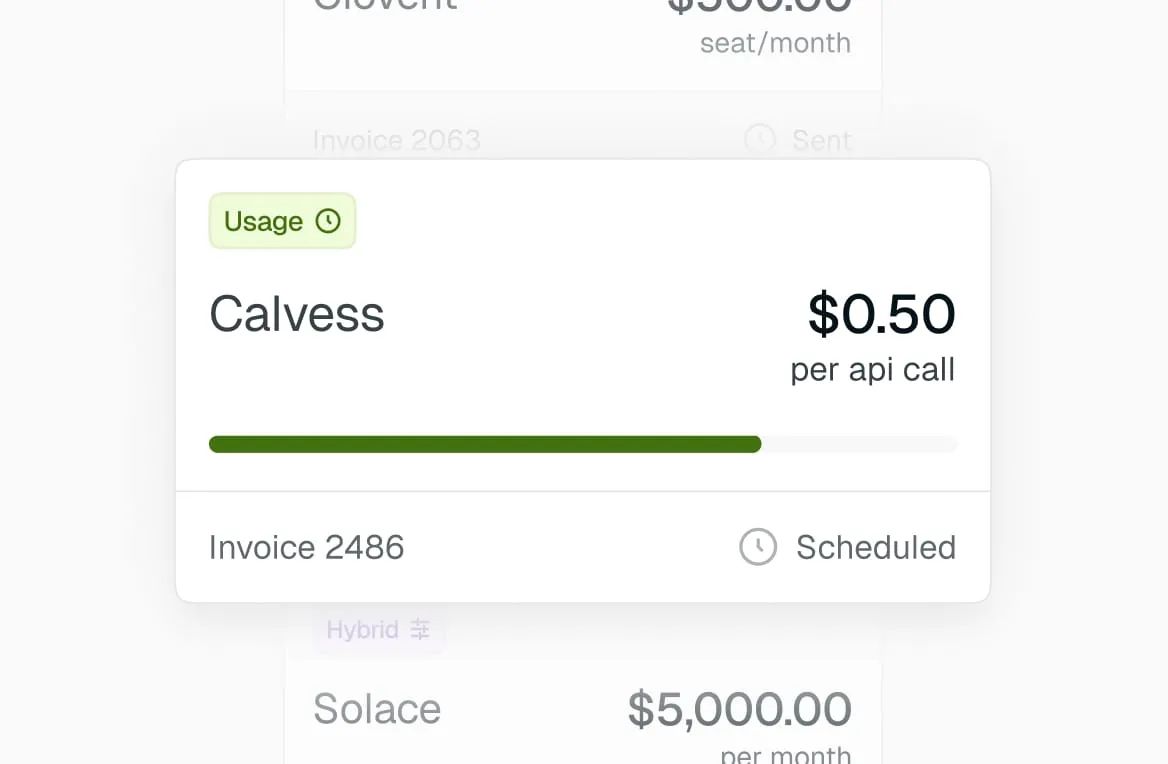
When the invoice depends on customer activity, Tabs can ingest usage data and calculate what each customer owes. Finance can support usage-driven pricing without manually combining product data, contract logic, and invoice calculations every billing period. Whether it’s tier-based, outcome-based, prepaid credits, commit consumption, multi-bucket commitments, or milestone-based, customers are charged based only on the amount they use.

image
Dark blue icon of a mostly filled pie chart on a light blue background.
Hybrid

Hybrid billing models: Support mixed billing models without custom logic

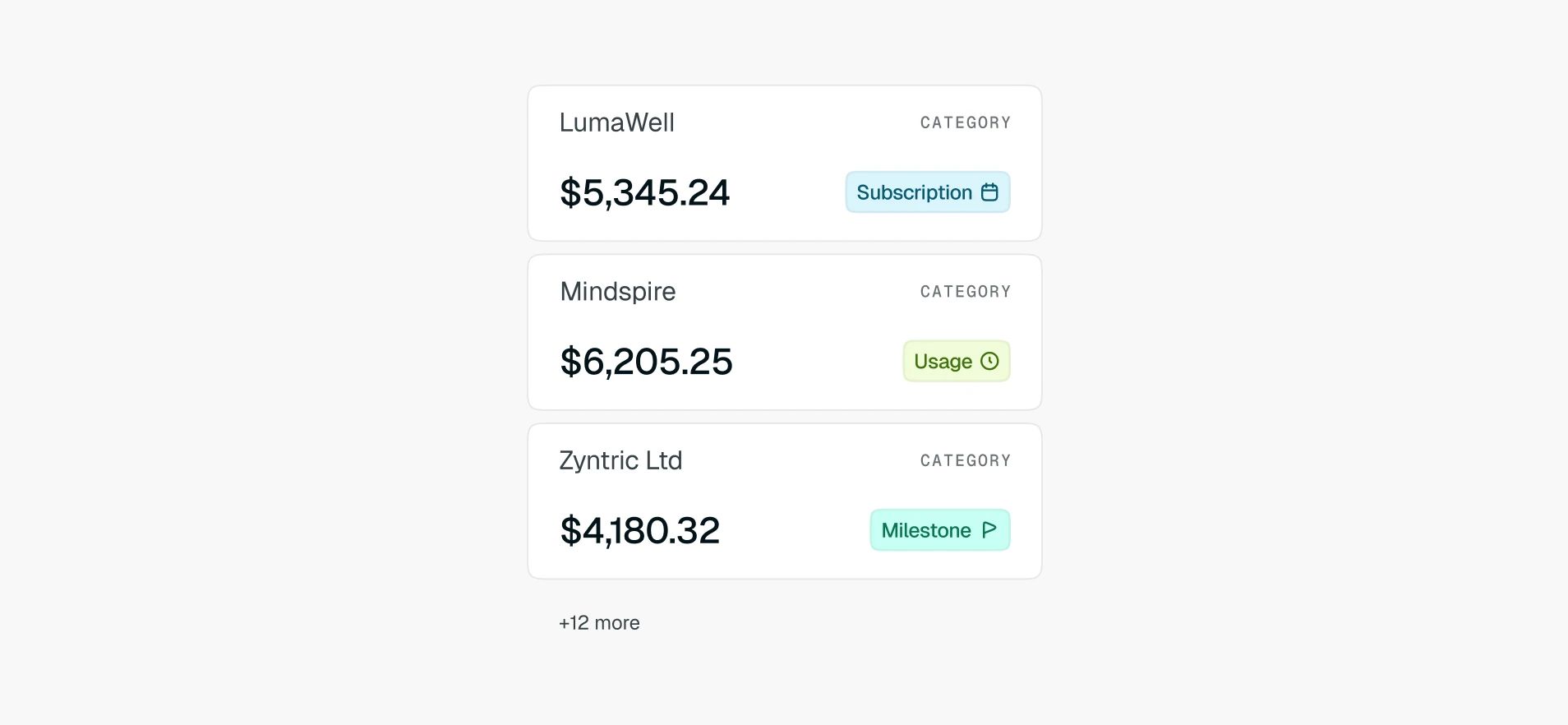
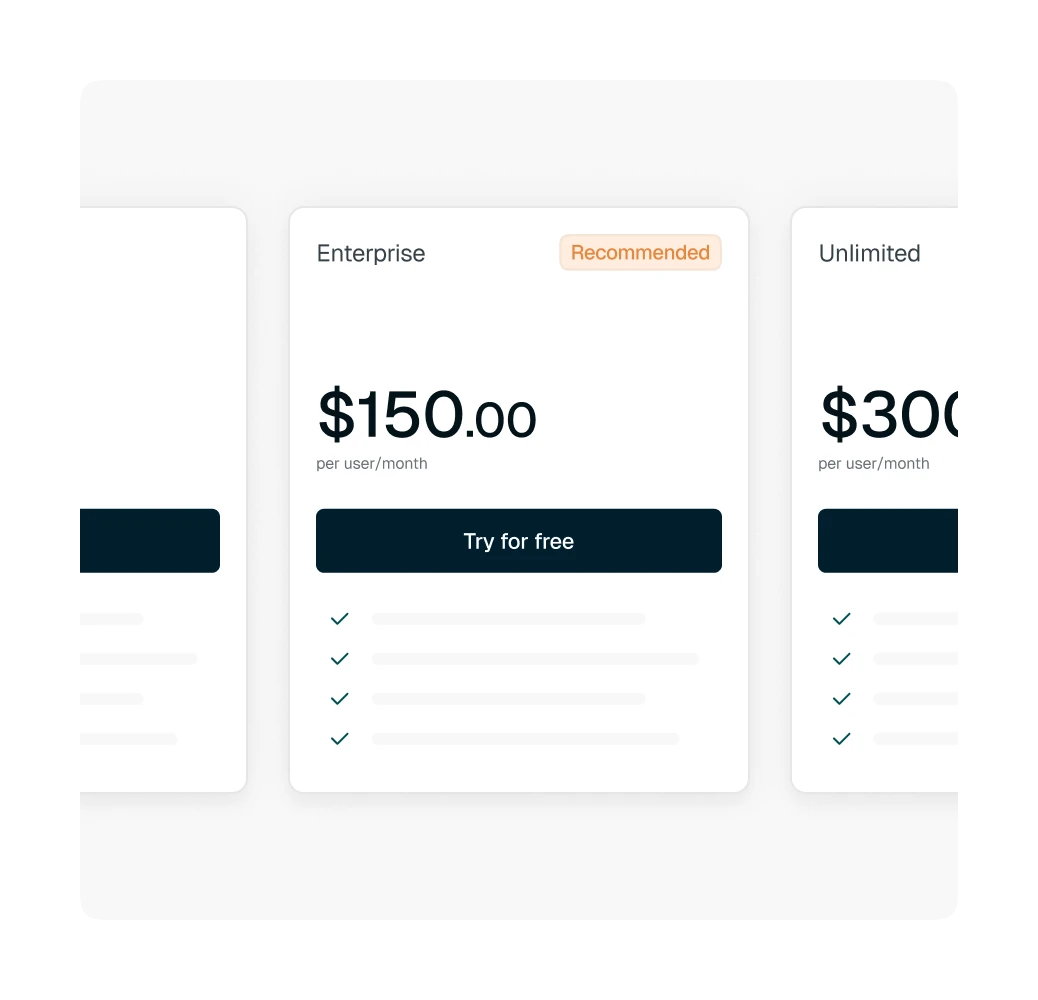
Combine multiple billing structures inside the same customer agreement, such as a base subscription plus usage-based overages. Tabs keeps the components together so finance can calculate and invoice mixed models (e.g., product-led growth plus sales-led growth) without building a separate spreadsheet or custom workflow for every contract variation.

image
calendar

Integrations

Integrates with the finance stack you already run

Save time and avoid errors with an integrated finance stack.

integrations
  • Copy icon

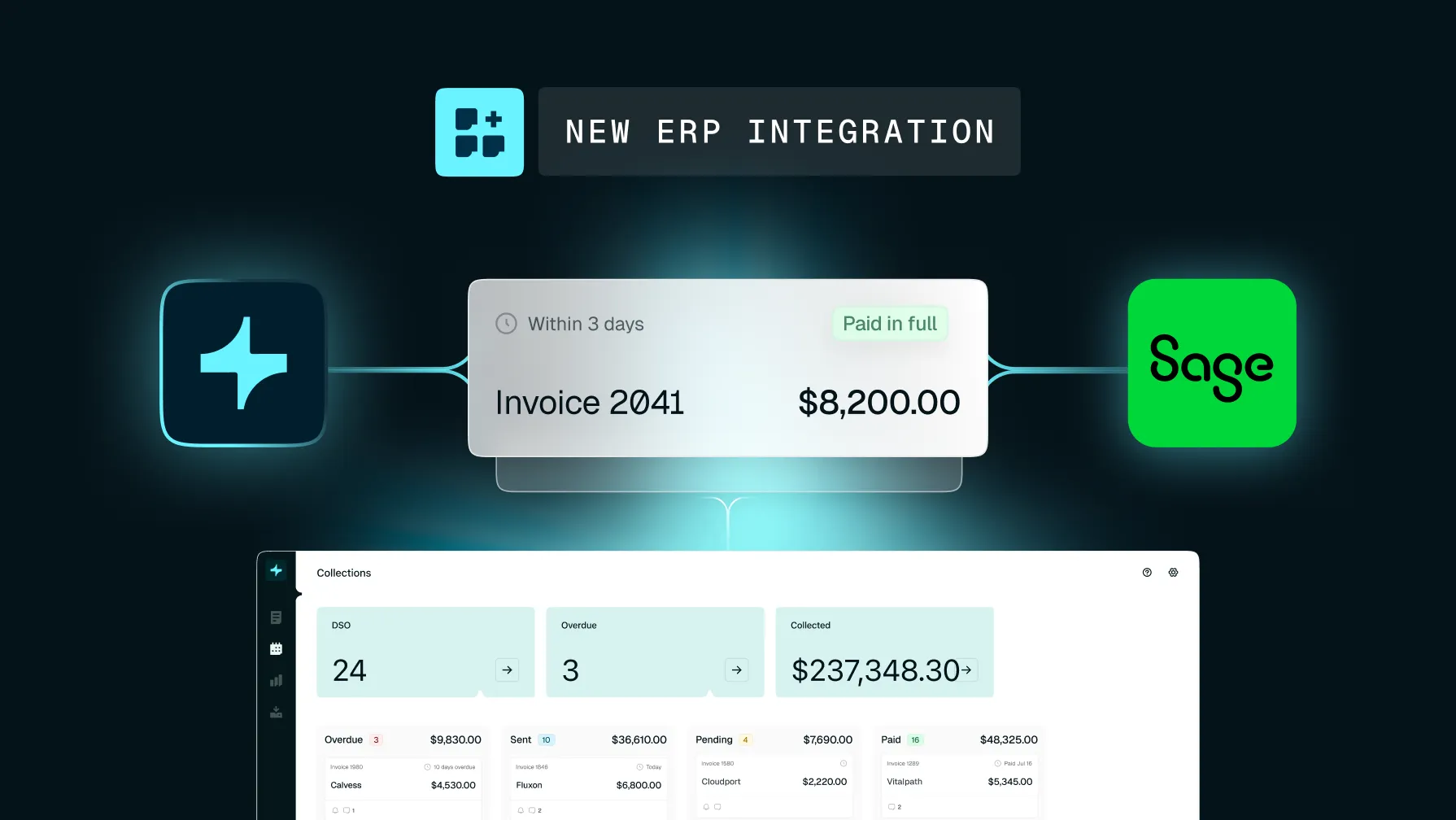
    Tabs connects your order-to-cash workflow with the systems where customer and financial data already live. ERP integrations with NetSuite, QuickBooks, and Sage Intacct keep billing and accounting records in sync. CRM integrations with Salesforce and HubSpot connect commercial activity with the finance workflows that follow.

  • Purple plug icon

    Tabs also connects payments back to AR. With Stripe reconciliation, finance teams can handle Stripe deductions seamlessly while matching payment activity to the right invoices and balances.

What finance teams are saying

Put revenue
Footer Icon
on autopilot

From contract to close — faster cash, accurate books, and less manual work.

Order-to-cash software FAQ

Order-to-cash software automates the financial workflows that turn a customer agreement into collected and recognized revenue. It connects contract and order intake with invoicing, collections, cash application, revenue recognition, and reporting so finance teams can manage the full O2C cycle in one connected process.

Order-to-cash begins with the customer contract or order, while invoice-to-cash begins after an invoice has been created. This is an important distinction because revenue can leak before invoicing. If a contract term or pricing change never reaches the invoice, an invoice-to-cash system cannot recover the amount that was never billed.

The order-to-cash process generally includes six steps: contract and order intake, credit review, invoicing, collections, cash application, and revenue recognition. Reporting provides visibility across the cycle so finance can track what has been billed, collected, recognized, and remains outstanding.

The best order-to-cash software for B2B SaaS should support the full revenue cycle, complex billing models, your existing finance stack, automated execution, revenue recognition, and real-time reporting. Tabs is purpose-built for B2B finance teams managing subscription, usage-based, and hybrid revenue models from contract through cash.

Order-to-cash software integrates with ERPs by synchronizing billing, invoice, payment, and accounting data between systems. Tabs integrates with NetSuite, QuickBooks, and Sage Intacct, allowing finance teams to automate O2C workflows while keeping their ERP as part of the existing finance stack.

Some order-to-cash tools stop at invoicing, collections, or cash application. A full O2C platform can continue through revenue recognition. Tabs includes Revenue Recognition for complex and changing revenue models, with automated GAAP compliance, flexible non-GAAP views, and revenue close management. The right order-to-cash software should make it easier to collect every dollar your contracts say you’ve earned and account for it correctly. Tabs connects billing, collections, revenue recognition, and reporting so B2B finance teams can manage the full cycle without stitching together separate workflows.