



News Banner BackgroundLaunching rocket icon.
July Release: Configure your CRM your way. -->
Masthead Dark Star Background

Dark sparkle icon on a light blue background.Competitor Comparison

Tabs vs. Stripe Billing

Stripe Billing is a world-class payment processor and developer toolkit — purpose-built for engineers building subscription products. Tabs is built for finance teams who need contract ingestion, automated billing, collections, and revenue recognition without opening a single engineering ticket.

Opens chatGPT in a new tab

Companies that choose Tabs

Stylized cursor icon next to the word "CURSOR".White zig-zag line and the text "STATS.SIG".A stylized white number 2, an X-shape, and a wrench with speed lines.White Cortex logo.Faint, barely visible white text spells "Generator" against a white background.

Why Tabs wins

  • A purple circle with a diagonal line through it.

    No engineering tickets to change pricing or billing logic

    With Stripe Billing, updating contract terms, pricing tiers, or billing schedules requires developer involvement. Tabs gives finance teams a no-code interface to manage every deal — no backlog, no waiting.

  • Blue unlocked padlock icon.

    Contract ingestion that drives billing — not the other way around

    Stripe Billing starts from a product catalog you configure manually. Tabs starts from the signed contract — reading it automatically to generate billing schedules, rev rec entries, and renewal tracking from day one.

  • A toggle switch in the "on" position.

    ERP-native — not payment-processor-native

    Stripe's revenue recognition works within the Stripe ecosystem. Tabs pushes journal entries, invoices, and revenue schedules directly to NetSuite, QuickBooks, Sage Intacct, and Rillet — keeping your ERP as the system of record, not Stripe's dashboard.

vs
White letter S on a purple background.

A head-to-head comparison

Capabilities
Stripetripe logo
Auto-ingest signed contract
Dynamic contract processing
Contract as source of truth 
Performance obligations

Stripe Revenue Recognition can handle some performance obligation scenarios, but is limited to Stripe-native billing data

Configure usage commitments

Possible, but requires custom engineering to enforce commitment logic

Usage data ingest

Usage/metered billing supported, but not real-time; complex metering (AI inference, credit models, hybrid tiers) requires engineering workarounds

Results that speak for themselves

  • 7458
    8
    0890
    0
    %

    less time spent on AR

  • 6073
    3
    -
    6785
    5
    x

    scaled billing output

  • 1631
    1
    4600
    0
    %

    less aged receivables

Explore Tabs

Credit card icon.

Billing

Invoices go out faster and more accurately, even with complex pricing.

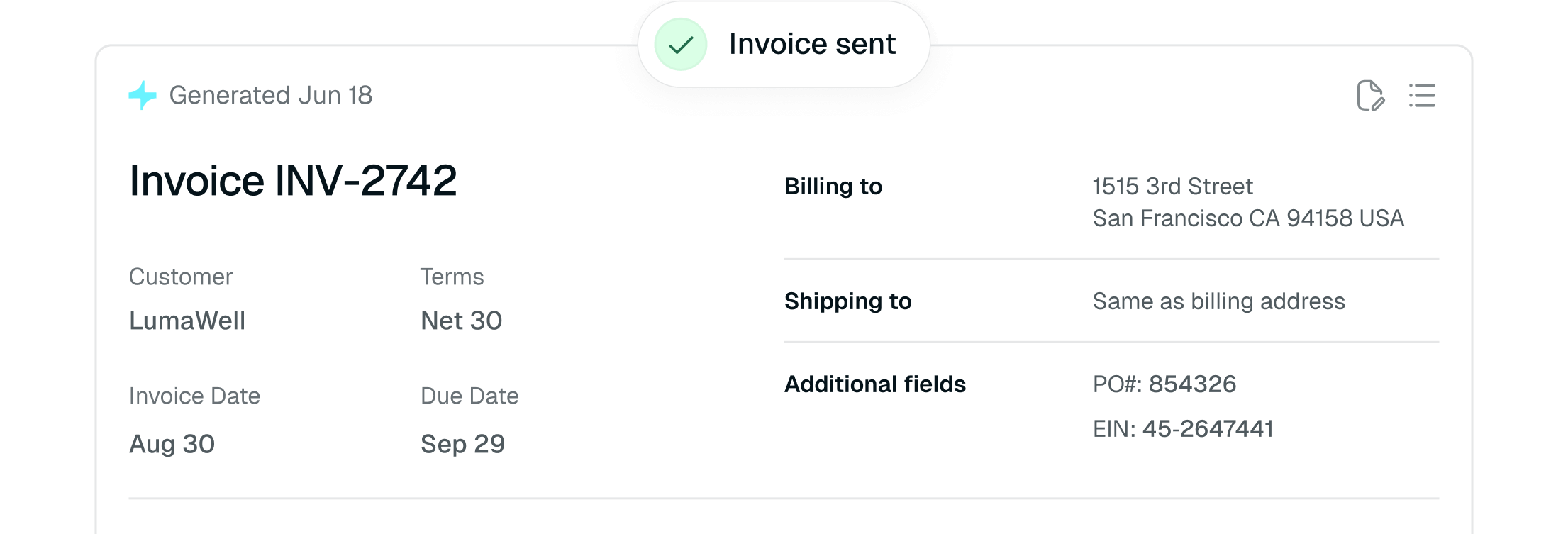
Billing invoice sent
Calendar icon with a checkmark.

Collections

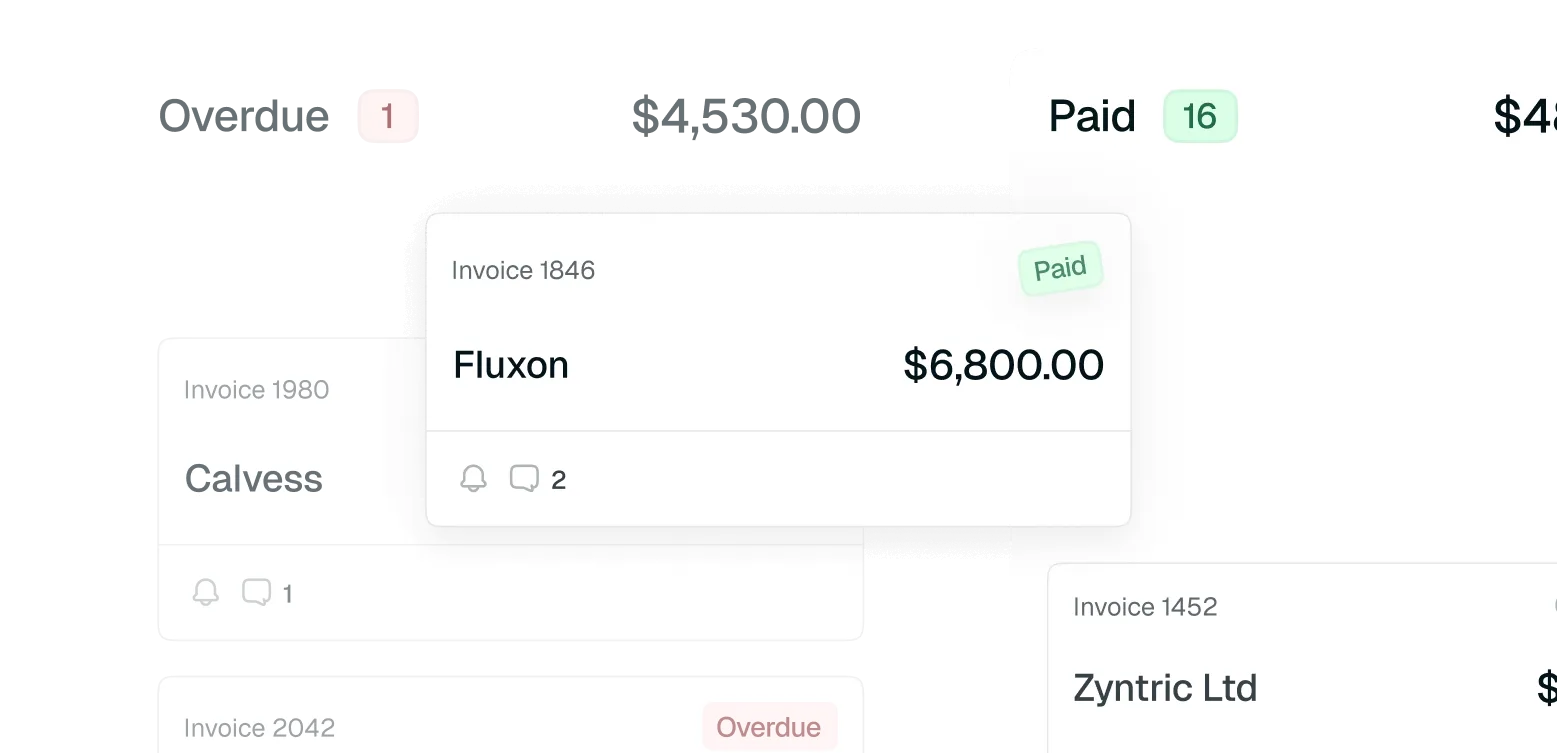
Get paid faster with fewer follow-ups — Tabs handles the nudges.

Collections
Signal strength icon.

Revenue Recognition

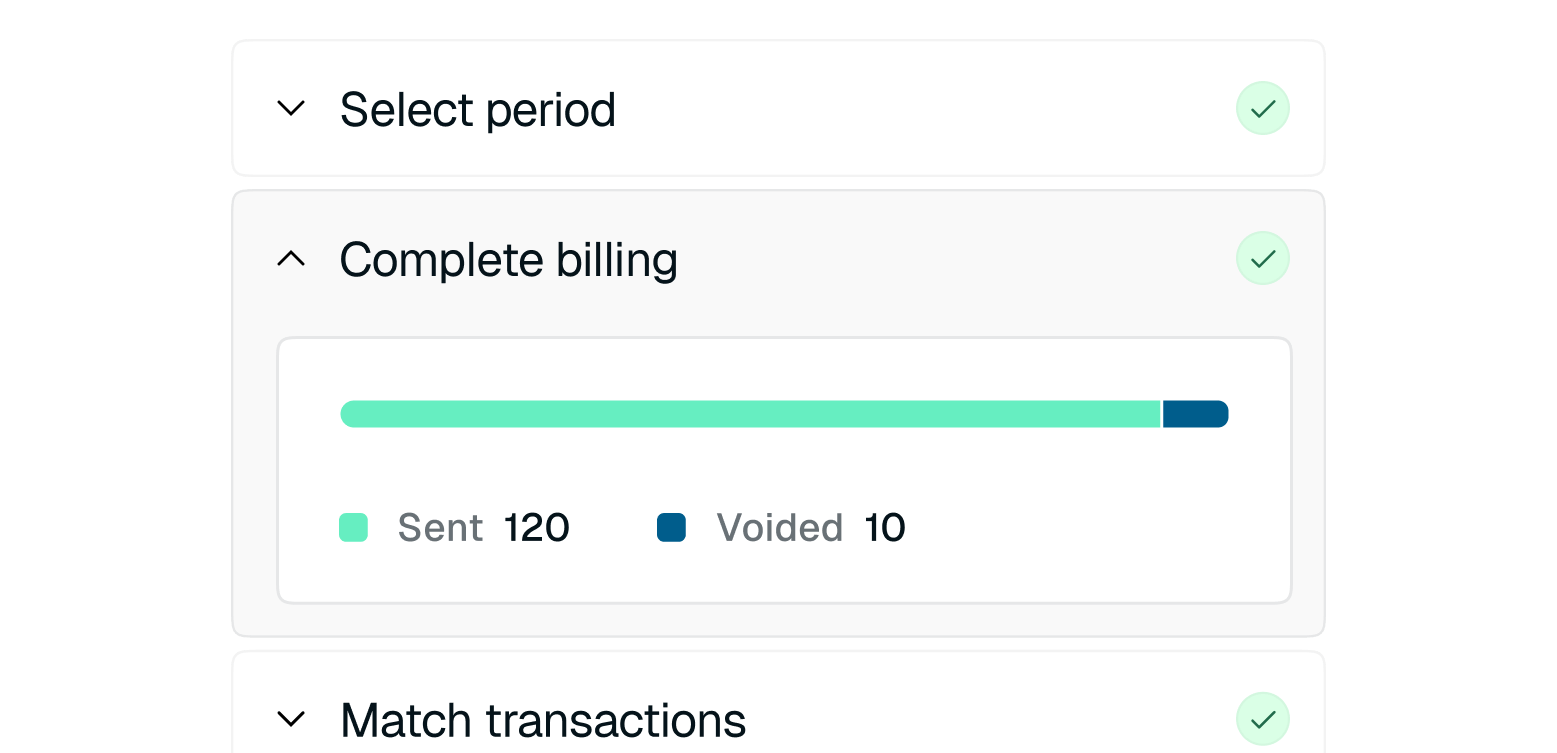
Tabs builds RevRec schedules directly from contract logic.

Document icon

Reporting

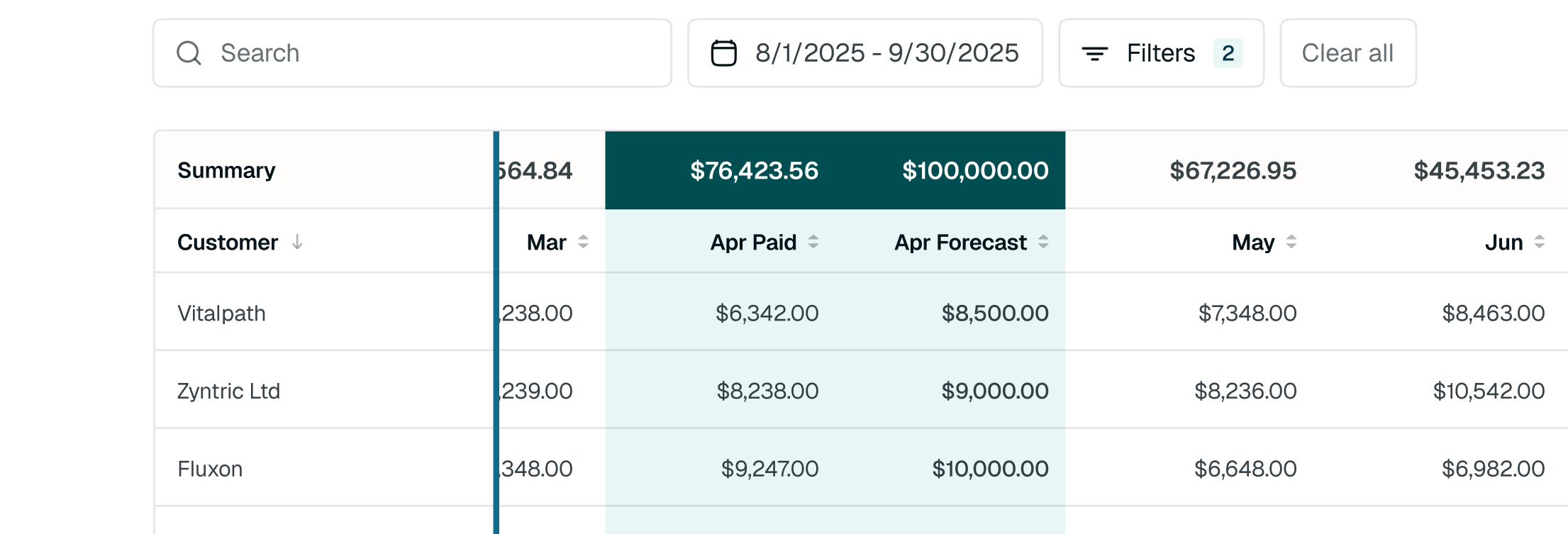
AI turns live revenue data into
aging reports, forecasts, and insights.

White text "SNAPLOCS!" on a white background.
"I think time is the biggest ROI factor. We saved about 80 to 90% of our billing time on a monthly basis. That alone is a huge impact on a team that’s trying to keep up, implement new products, and keep pushing the boundaries moving forward."
Portrait of a man with dark hair, green eyes, and stubble, wearing a suit and tie.
Paul MicheliCorporate Controller