





Turns contracts into finance data
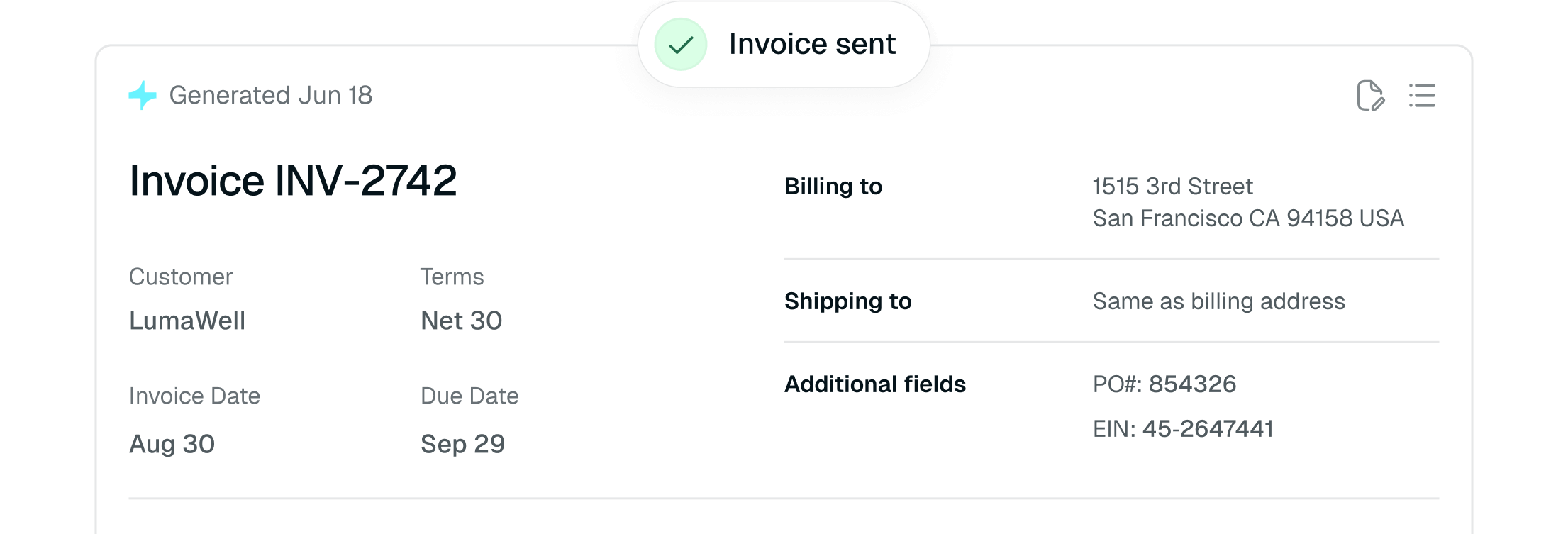
Tabs structures what was actually signed into finance-ready workflows, so invoices, revenue schedules, collections, and ERP records reflect the final agreed terms, not just what was quoted.


 Competitor Comparison
Financial truth from every contract, not just faster revenue workflows. Tabs is an AI-native, finance-owned revenue platform that turns signed agreements into accurate billing, RevRec, collections, and ERP workflows. Sequence focuses on quote-to-revenue automation.
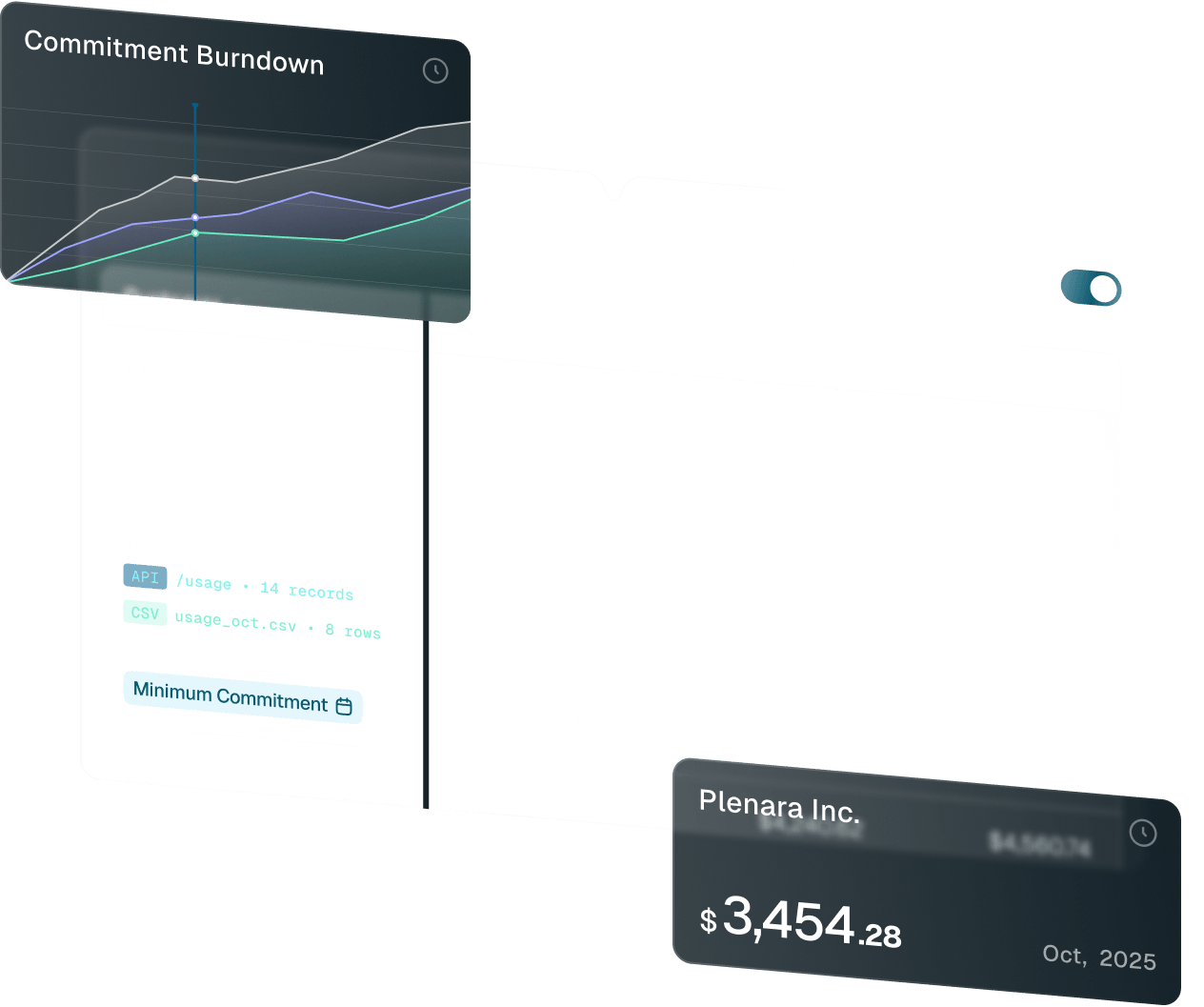


Tabs structures what was actually signed into finance-ready workflows, so invoices, revenue schedules, collections, and ERP records reflect the final agreed terms, not just what was quoted.

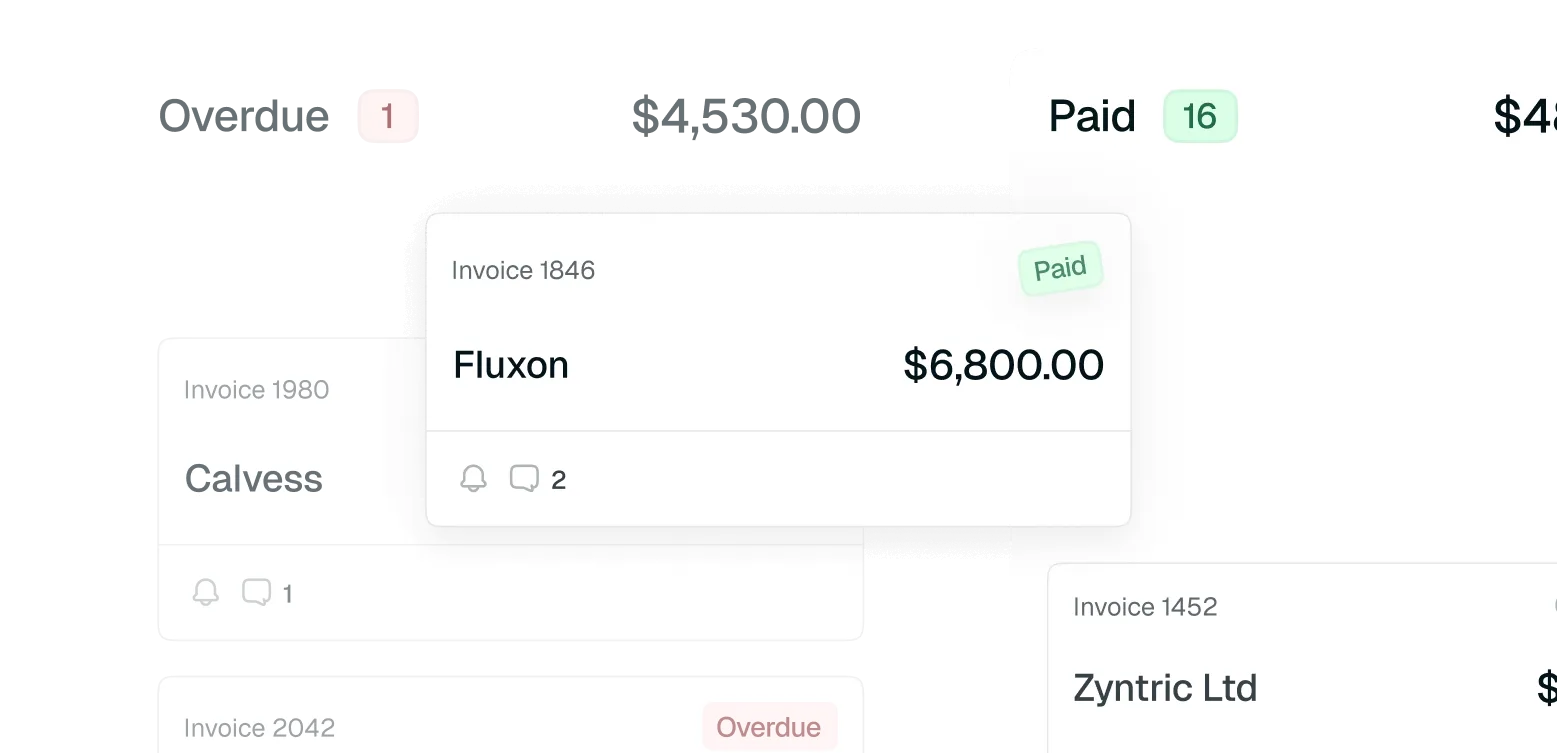
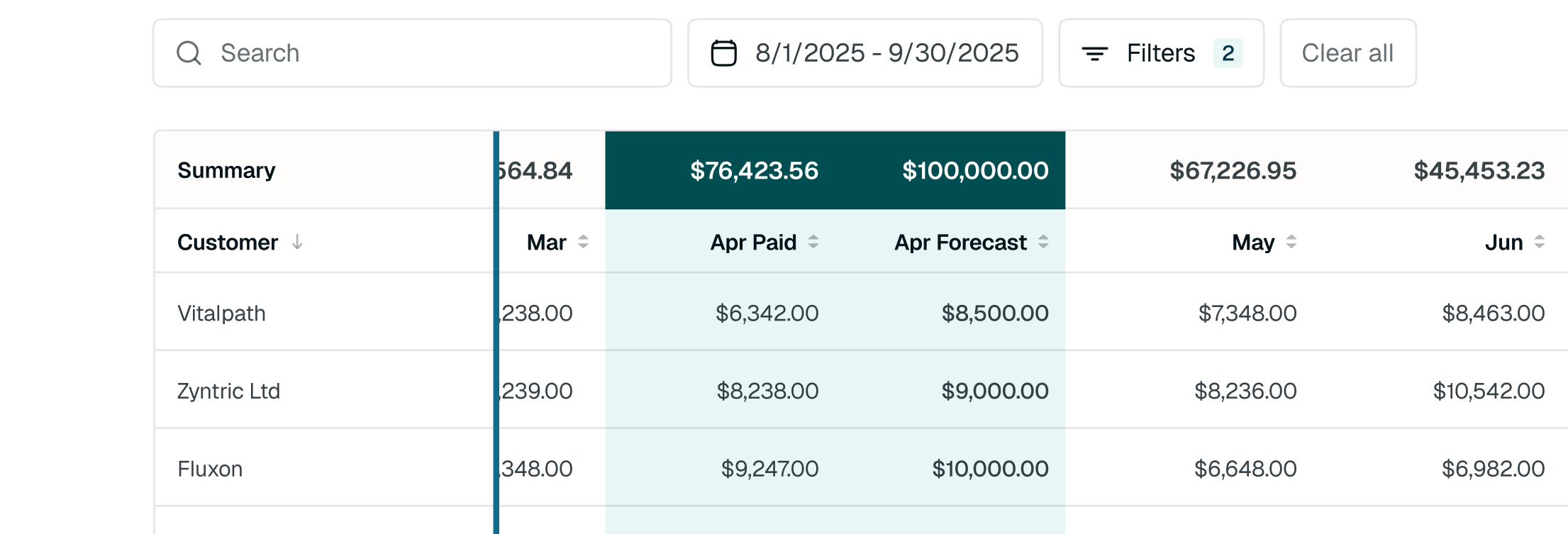
Tabs connects billing, revenue recognition, collections, reporting, and ERP sync from the same commercial foundation, so finance stays aligned as pricing, usage, and contracts change.

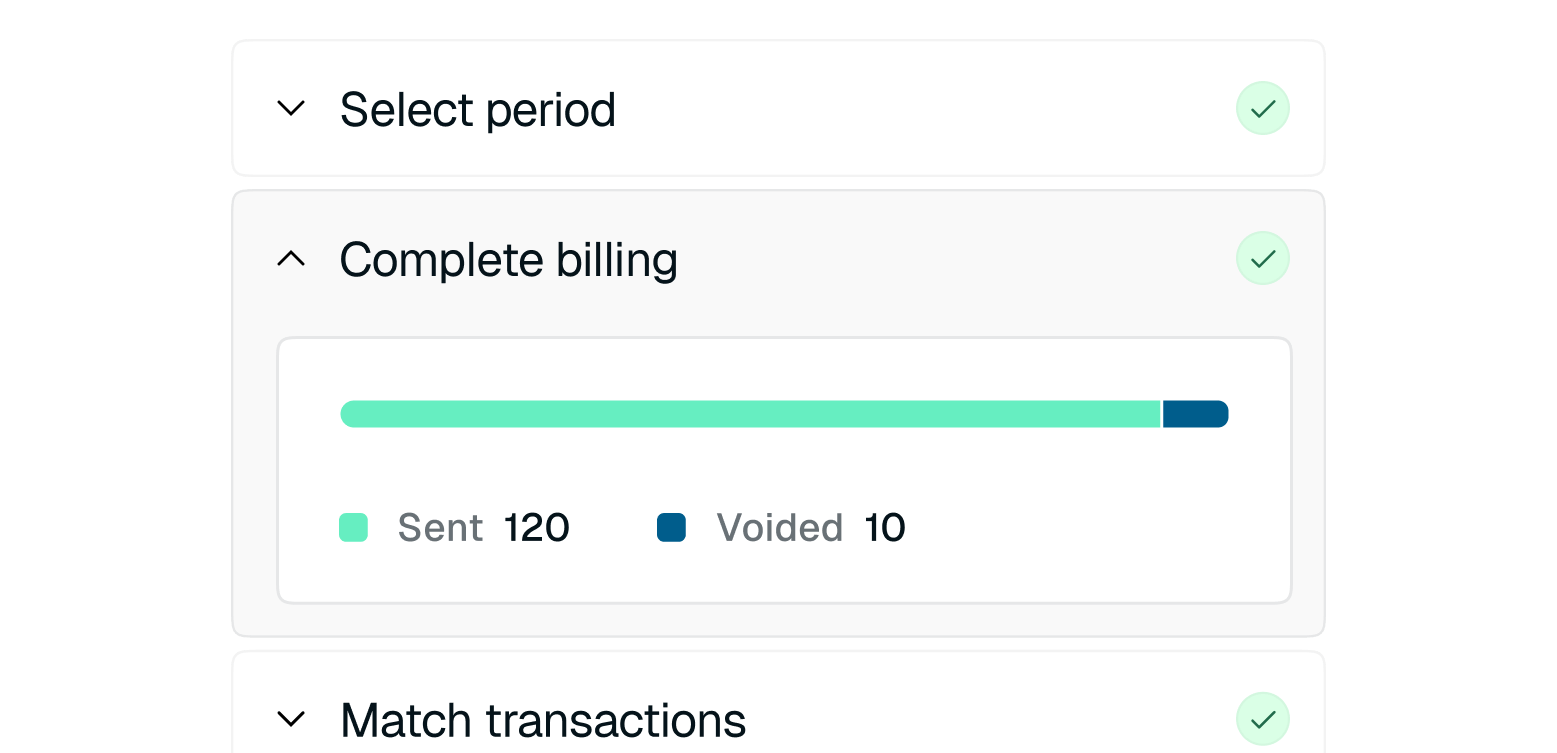
As deal complexity grows, close shouldn't require reconciling quotes, contracts, and spreadsheets. Tabs keeps billing, RevRec, collections, and ERP sync aligned from the same signed terms.
Both platforms help finance teams automate revenue workflows. Sequence focuses on quote-to-revenue automation; Tabs turns signed customer terms into finance-ready workflows from contract to close.

 | |||||||||
|---|---|---|---|---|---|---|---|---|---|
Contract-driven billing schedules Complex billing models Usage, ramps, amendments, milestones, minimums Custom pricing, usage, ramps, commitments Usage / hybrid billing Usage metering and usage-based billing Native RevRec / ASC 606 Collections + AR workflows Invoicing, dunning, and receivables workflows Revenue + AR reporting Contract, billing, revenue, AR, and ERP data Revenue, billing, usage, and receivables dashboards Agentic workflows Contracts Agent, Collections Agent, Payments Assistant Contract intake, AR, RevRec, and Watchtower agents Integrations ERP, CRM, contracts, tax, payments, bank data CRM, accounting, payments, data warehouse, webhooks | |||||||||
less time spent on AR
scaled billing output
decrease in average days to pay