








Contracts define what customers owe. Invoices track what has been charged. Payments confirm what has been collected. Renewals determine what comes next. These are not independent records, but they are a connected picture of how your business operates.
But for most teams, accessing that picture requires logging into a dashboard, building a report, or building custom integrations. Every time a question comes up like “which customers are at risk”, “which invoices are overdue”, “which contracts renew next quarter”, someone has to go find the answer manually.
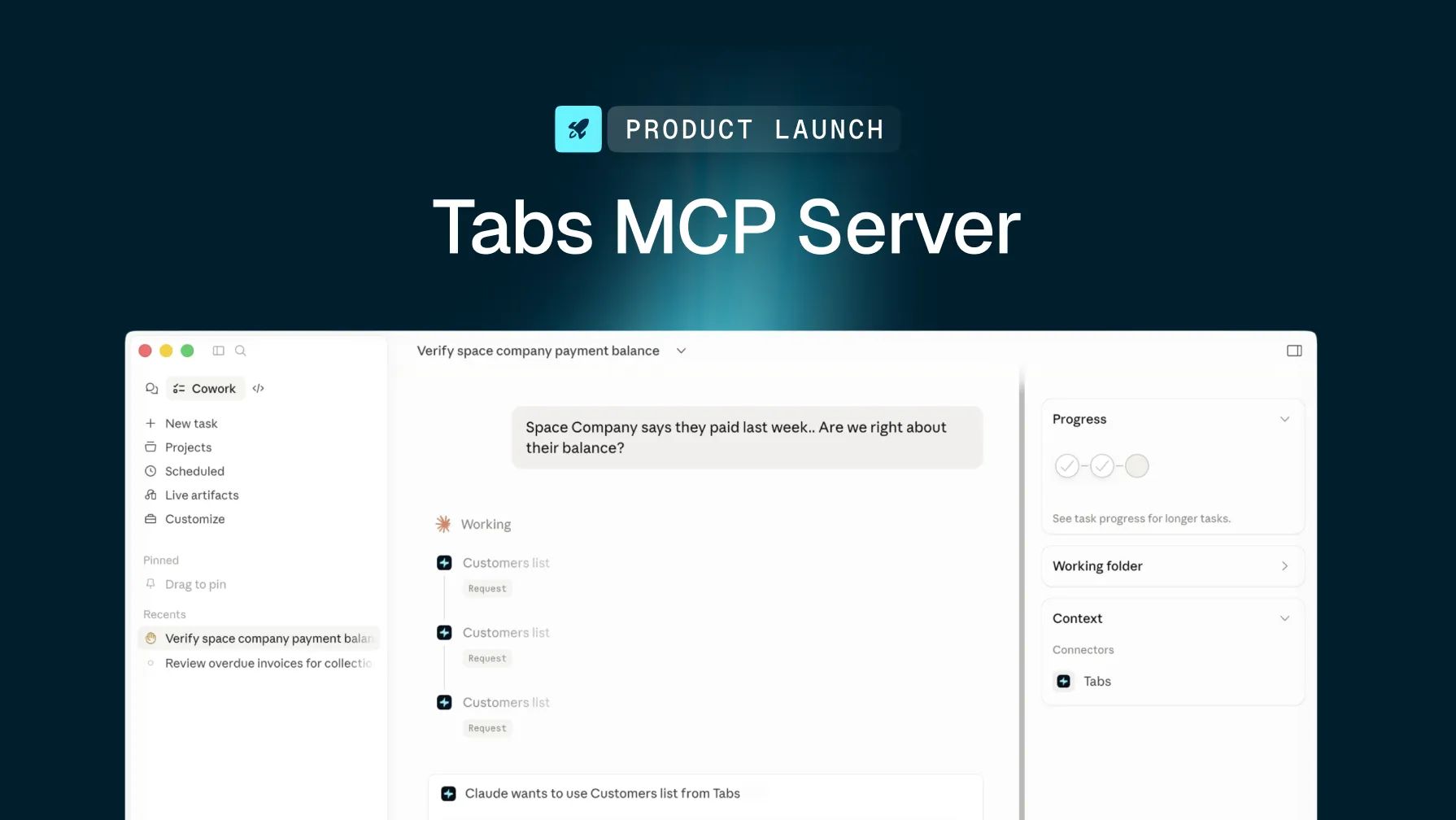
Today, we are changing that. We are launching the Tabs MCP Server, which gives queryable access to your entire commercial data layer.
Putting the “context” in MCP
The Tabs MCP Server is built on top of our proprietary Commercial Graph, a context layer that models how B2B revenue actually works. Customers are tied to contracts. Contracts are tied to billing terms, performance obligations, and commitments. Invoices are tied to payments, credit memos, and renewal risk.
These are not foreign keys in a relational database. They are first-class relationships in a connected model. It is the same model that powers Tabs billing automation, revenue recognition, collections, and contract intelligence today.
When Claude queries Tabs through MCP, it does not retrieve isolated records, but it reads your commercial reality as a whole. That means a query like this is possible in a single call:
"Show me all customers with overdue invoices whose contracts renew in the next 60 days, grouped by ARR."
No extra setup. No custom code. No switching between tools. Just a question, answered.
What is included
The Tabs MCP Server launches with 25 read-only data tools across 12 commercial data domains:
- Customers and contacts
- Contracts, with usage, billing term groups, and performance obligations
- Invoices and payments
- Revenue schedules and credit memos
- Commitments, products, and renewals
- Cash forecasting reports
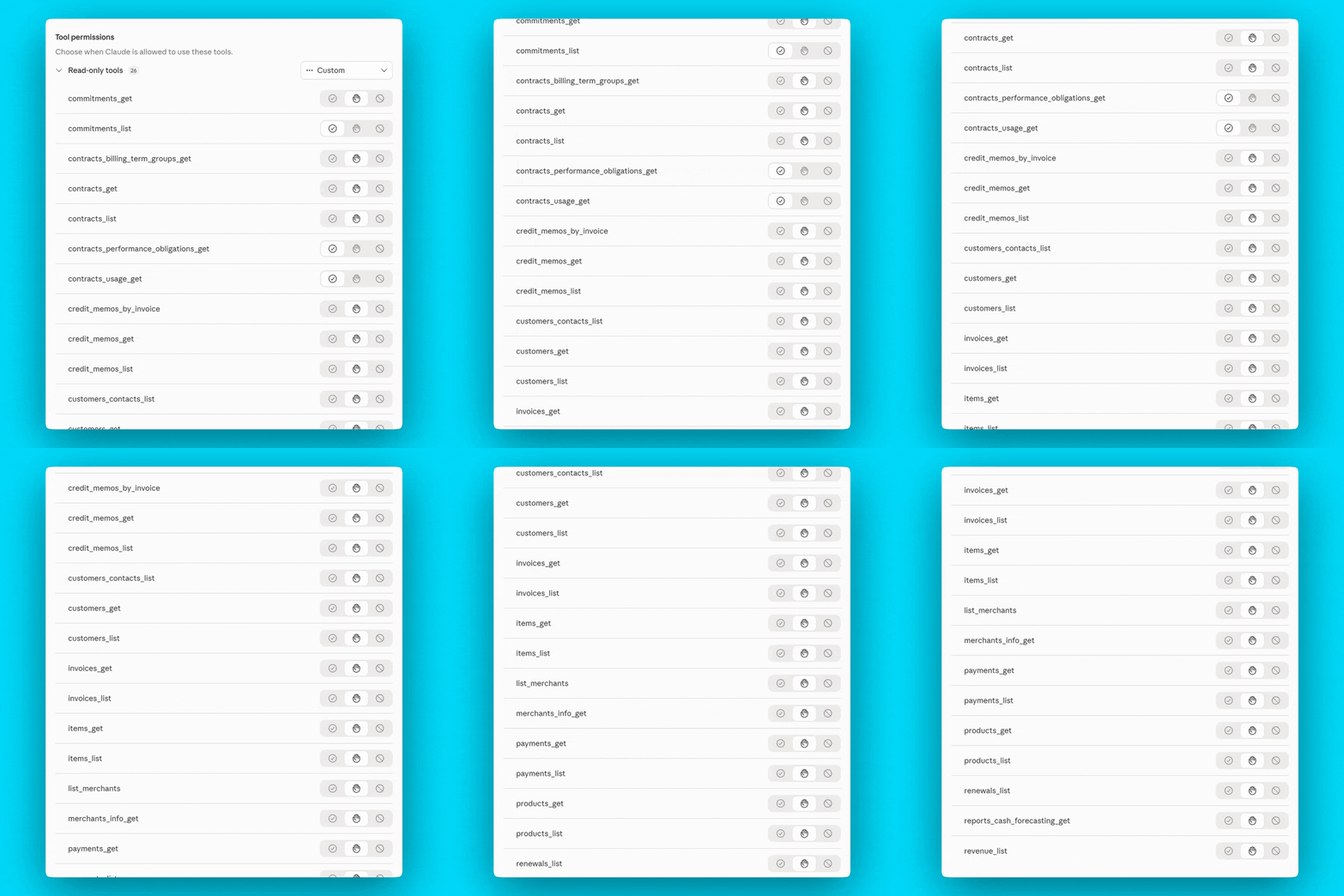
All tools are read-only by design. No data can be modified through the MCP server. Authentication runs through our authentication platform, WorkOS OAuth, with automatic merchant scoping, and multi-merchant accounts are supported out of the box. Because the MCP server runs on the same service layer as the Tabs REST API, data is identical - same filters, same pagination, same business logic.
It is compatible with any MCP-compliant client, including Claude, Cursor, and Claude Code.
Who it is for
Finance and RevOps teams can ask questions about billing, collections, and revenue in plain language and get precise answers from your live Tabs data, without navigating the dashboard or pulling a report.
Integration partners can build AI-native applications on top of Tabs data without writing custom integrations. Connect a compliant client and start querying.
Engineering teams can investigate, debug, and audit commercial data through AI tools like Claude Code and Cursor, without writing one-off scripts against the REST API.
Get started with the Tabs MCP Server
You can start querying your commercial data through Claude in just a few steps.
Our setup guide is here for existing Tabs customers.
Once connected, you can start asking Claude questions in plain English, like:
- “Show me overdue invoices by customer”
- “Which contracts renew next quarter?”
- “Show me customers with overdue invoices whose contracts renew in the next 60 days”
Claude will use the Tabs MCP server to retrieve the relevant commercial data and return answers grounded in your live Tabs records.
No dashboards. No manual reports. No stitching together disconnected API calls. Just ask a question and get an answer rooted in your commercial context.
Book a demo to learn more.