







Automate ASC 606 accounting, including SSP allocation, usage-based revenue recognition, and deferred revenue reconciliation, with the visibility and control finance teams need.
Revenue recognition is complicated enough when every customer pays a fixed subscription fee. Add multiple products, usage-based pricing, minimum commitments, and contract amendments, and the accounting gets significantly harder.
Finance teams need to identify performance obligations, establish standalone selling prices (SSP), allocate transaction prices, and maintain accurate revenue schedules. For many companies, that still means hours spent calculating allocations in spreadsheets, updating schedules, and reconciling balances at month-end.
Even with RevRec software, accounting teams often end up managing parts of the process manually, particularly when contracts include usage-based components.
Tabs Revenue Agent takes on that work.
Revenue Agent automates ASC 606 accounting, from SSP allocation through revenue schedules, journal entries, and reconciliation. Because it's built into Tabs, the accounting stays connected to the contracts, pricing, and usage activity behind it.
SSP allocation without the spreadsheets
Determining standalone selling prices and allocating transaction prices across performance obligations is one of the more involved parts of ASC 606.
For contracts with multiple products, finance teams need to establish the appropriate SSP for each obligation and allocate the total contract value accordingly. When pricing changes or contracts are amended, those calculations can become difficult to maintain.
Revenue Agent automates this process.
Finance teams can define their SSP methodologies, set effective dates, and establish the accounting policies that govern allocation. Tabs then applies those methodologies automatically across qualifying contracts, calculating relative SSP allocations without requiring teams to maintain separate spreadsheets.
This helps teams apply their accounting policies consistently while keeping the methodology behind each allocation accessible for review.
SSP automation for usage-based products, too
Usage-based pricing makes SSP allocation particularly challenging.
A contract might combine a fixed platform subscription with consumption-based charges, prepaid usage commitments, or variable fees. Each component needs to be evaluated under the appropriate accounting treatment, and the relationship between contracted amounts and actual consumption can change over time.
Revenue Agent supports SSP automation for these arrangements, not just fixed-fee subscriptions.
Tabs supports usage-specific SSP methodologies, including per-unit rates and estimated quantities, so accounting teams can apply SSP policies to usage-based performance obligations alongside subscription products.
For qualifying arrangements, Tabs also supports usage carve-outs, allowing eligible usage consideration to be treated separately from the broader relative SSP allocation.
Instead of managing fixed and usage-based components across different spreadsheets and processes, teams can handle them together in Tabs.
Make deferred revenue reconciliation easier
Calculating revenue is only part of the work. Accounting teams also need to reconcile deferred revenue balances at month-end and explain what changed.
That often means pulling together beginning balances, invoices, recognized revenue, and adjustments, then tracing discrepancies back to individual contracts and journal entries.
Revenue Agent makes that review easier.
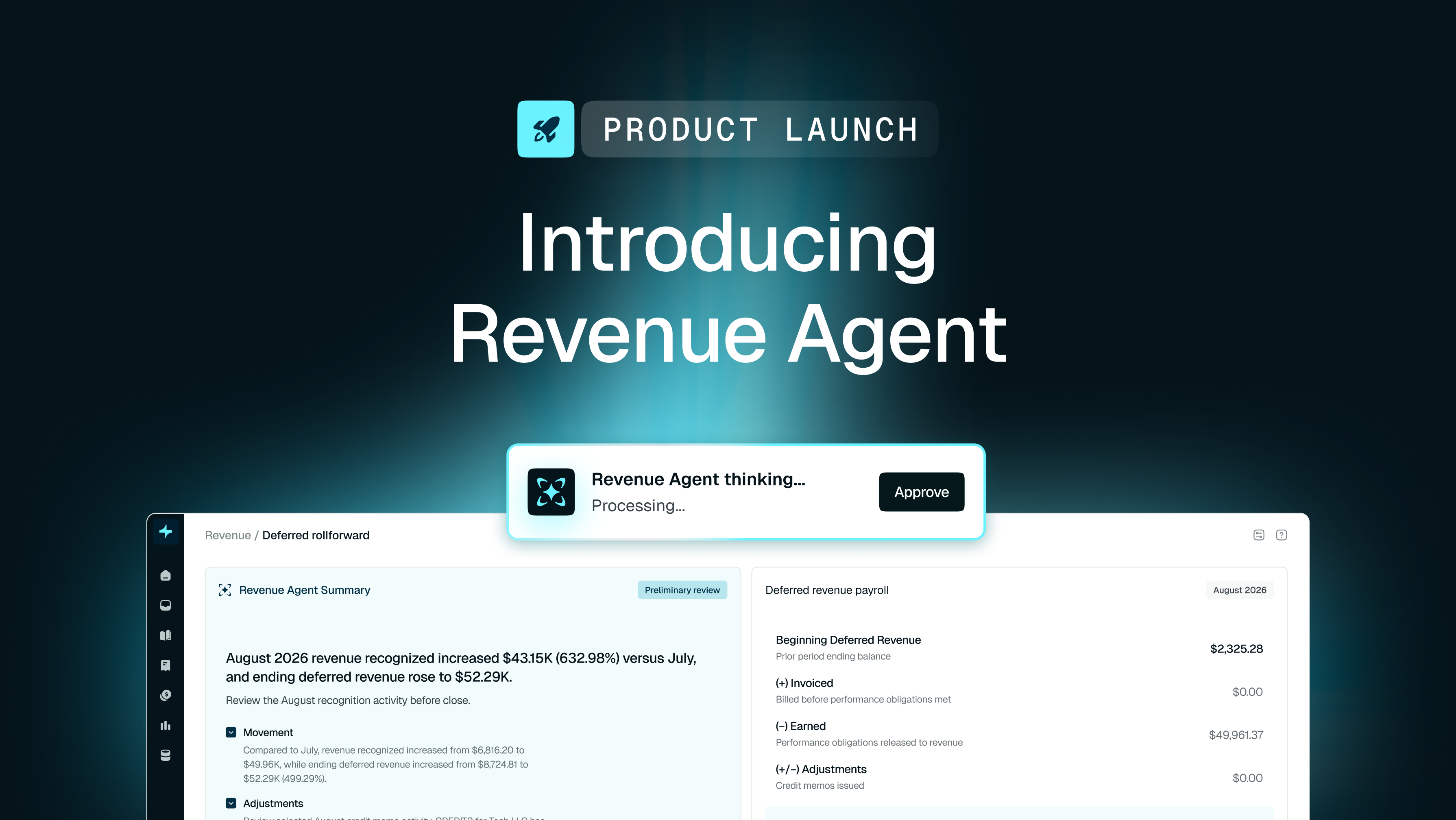
Tabs' deferred revenue rollforward shows how balances move from one period to the next, including amounts invoiced, revenue earned, and adjustments. Revenue Agent takes a first pass at the activity, highlighting unusual transactions, significant movements, historical trends, and key drivers that may need attention.
Instead of manually searching through journal entries to understand a change, finance teams can drill into individual contracts and ask Revenue Agent to explain the underlying billing terms and performance obligations.
Tabs also supports unbilled revenue rollforwards, giving teams a way to review and reconcile both sides of revenue accounting during close.
The result is less time investigating balances and a clearer understanding of what's driving the numbers.
Every revenue number, connected to its source
Automating revenue calculations is valuable, but accounting teams still need to understand how those calculations were made.
Revenue Agent connects revenue schedules, deferred revenue rollforwards, adjustments, and journal entries to the underlying contracts and activity.
Teams can trace recognized revenue back to the relevant commercial terms, review how SSP methodologies were applied, and investigate changes without reconstructing the accounting from separate files.
That context matters during close, and even more when auditors ask why revenue was recognized a particular way.
By keeping accounting methodologies, supporting documentation, and source information together, Tabs makes it easier to review calculations and substantiate accounting decisions.
Revenue accounting built into Tabs
Revenue recognition doesn't start with a journal entry. It starts with what a customer agreed to purchase, how the contract is structured, and, for usage-based products, what the customer actually consumes.
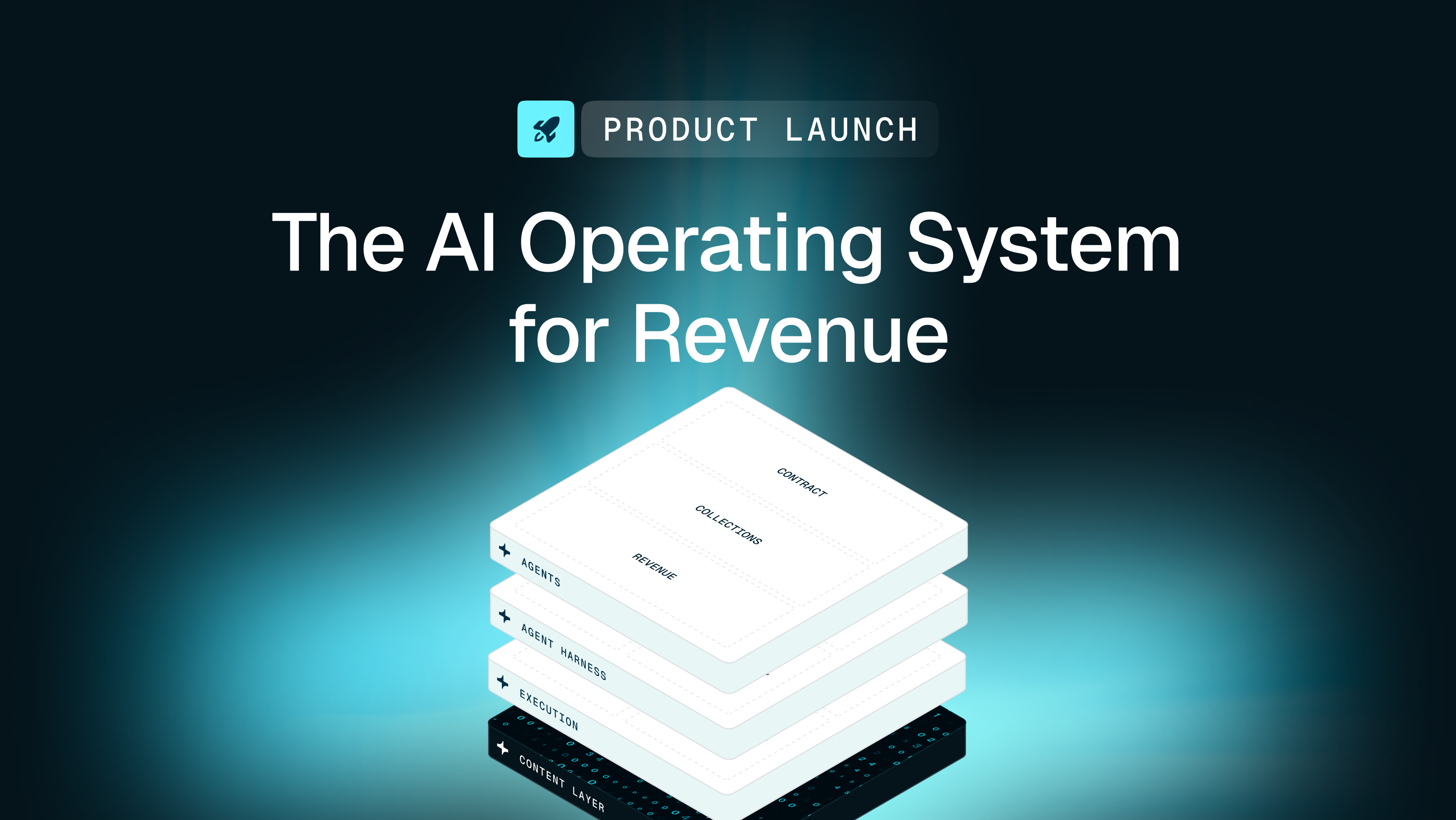
Revenue Agent is built on Tabs' AI Operating System for Revenue, with our proprietary context graph, the Commercial Graph, connecting contracts, pricing, usage, billing, and accounting.
That connection reduces the need for finance teams to manually move information between systems or piece together the commercial context behind their revenue numbers.
With SSP allocation, usage-based revenue recognition, deferred revenue reconciliation, and journal entries managed in Tabs, accounting teams can spend less time maintaining calculations and more time reviewing the results.
Revenue recognition should be automated without making the accounting harder to understand.