









Cash automation software: How to eliminate manual AR work in 2026
Cash automation software eliminates the manual work of matching payments to invoices, posting cash to your ERP, and resolving exceptions. This guide breaks down how modern cash application works, the risks of manual processes, and what to look for when evaluating automation tools for your finance stack.
What is cash automation software?
Cash automation software matches incoming payments to open invoices, posts cash to the correct accounts, and resolves exceptions—all without manual intervention. And in modern Revenue Automation platforms like Tabs, those matches improve because the system references commercial context from the signed contract—terms, billing schedules, and prior payment behavior—not just invoice numbers. This means your finance team stops spending hours hunting through bank statements and email threads to figure out which customer paid which invoice.
The software sits at a critical point in the contract-to-cash cycle. A customer signs a contract, you send an invoice, they pay, and then someone has to record that payment against the right invoice in your ERP. That last step—cash application—is where most finance teams lose hours every week.
Modern cash automation has evolved beyond simple rules-based matching. Today's platforms use AI trained on financial documents to extract remittance advice—the payment details customers send—from PDFs, emails, and bank files. But extraction alone isn't enough. The best platforms apply commercial context—so matching decisions reflect your contract terms, invoice history, and prior payment behavior, not just what the remittance text happens to say.
How cash automation software works step by step
The journey from a customer's bank account to your general ledger follows a predictable path. Understanding each step helps you identify where your current process breaks down.
Step 1 — Payment data capture
The process starts when software pulls payment files directly from your banks. This happens through secure API connections that retrieve transaction data daily or in real time. The system handles common banking formats automatically—no manual downloads required.
Step 2 — Remittance data extraction
Once the payment arrives, AI extracts the supporting details from wherever customers send them. Some customers attach PDFs. Others bury invoice numbers in email bodies. The software normalizes all of this into a single, consistent format your system can read.
Step 3 — Invoice match logic
With clean data in hand, the system pairs each payment with the correct open invoice. It assigns a confidence score to each potential match. If the score meets your threshold, the invoice clears automatically. If not, it routes to a human for review.
- Exact match: Invoice number and amount align perfectly—no intervention needed
- Fuzzy match: Trained models and matching logic resolve minor discrepancies like transposed digits or missing prefixes
- Partial pay: The system identifies underpayments and flags them or creates deductions automatically
Step 4 — Exception workflow
When a payment can't be matched automatically, it enters an exception queue. The software attaches all relevant remittance data and suggested matches so your analyst has immediate context. No more hunting through separate portals to solve the puzzle.
Step 5 — ERP post to AR
After a successful match, the system posts the cash receipt to your AR subledger and creates the corresponding general ledger entry in your ERP. This clears the open accounts receivable (AR) balance for the matched invoice(s). The integration handles complex requirements like multi-entity allocations and currency conversions automatically.
Step 6 — Model updates
Model performance improves over time. When your team corrects an exception, the system captures that feedback as training signals and updates matching behavior—so similar discrepancies can be handled automatically in the future, without you writing new rules.
Risks of manual cash application
Manual cash application doesn't just waste time. It introduces risk that compounds as your business grows.
Match gaps and research time
Manual matching creates backlogs that slow your entire finance operation. Your analysts spend hours hunting for remittance details across portals, emails, and spreadsheets. Payments sit in suspense accounts while research drags on, and month-end close stalls waiting for cash to clear.
Misapplied payments and write-offs
Posting a payment to the wrong invoice creates a cascade of problems. Customers receive incorrect statements and dispute their balances. Collections chases invoices that were already paid. Eventually, unresolved discrepancies hit your bad-debt expense.
Spreadsheet reliance and control risk
Managing cash application in spreadsheets creates audit vulnerabilities. Version control issues lead to conflicting data. Manual adjustments often lack the audit trail required by the Sarbanes-Oxley Act (SOX) and System and Organization Controls 2 (SOC 2). And when your best analyst leaves, their institutional knowledge walks out the door.
Unapplied cash and credit holds
An unapplied cash backlog directly harms customer relationships. When payments aren't applied promptly, customers hit automatic credit holds and can't place new orders. Sales escalates to finance, and everyone loses time that should go toward strategic work.
Benefits of cash automation software for finance teams
Intelligent automation transforms cash application from a reactive chore into a strategic advantage.
Why it matters:
- Reduce unapplied cash: Apply payments faster so credit holds don't trigger on paid invoices
- Protect controls: Keep a consistent audit trail from bank activity to ERP posting
- Focus the team: Spend analyst time on true exceptions—not routine matching
DSO reduction and cash acceleration
Faster cash application directly reduces Days Sales Outstanding (DSO)—by 20 to 30 percent for teams that automate. When payments apply within hours instead of days, cash becomes available sooner for reinvestment. Your AR team gains real-time visibility to follow up on truly overdue accounts—not invoices that were paid last week.
Close speed and real-time visibility
Automation enables a continuous close where cash posts steadily throughout the month. Your controller team no longer faces a massive batch of unapplied payments at period-end. Variances surface early, eliminating surprises during the close crunch.
Match accuracy and audit quality
AI-powered matching achieves higher hit rates than legacy rules-based systems. Every automated decision is logged with supporting data, creating an audit-grade, tamper-evident audit trail. Auditors can trace postings back to source remittance quickly, without digging through inboxes or spreadsheets.
Process cost and team capacity
Automating routine matches frees your team to focus on exceptions and strategic work. You can often absorb significant volume growth without adding headcount—automation can reduce handling time by 40–60%, letting your team focus on exceptions rather than routine matching. Finance becomes a strategic partner to the business—not a bottleneck. According to Deloitte's 2025 survey, 49% of CFOs prioritize automating routine tasks for exactly this reason.
Commercial context beats pattern matching—especially when remittance data is incomplete.
Eliminate manual AR work—book a Tabs demo
Core features to evaluate in cash automation software
Not all automation tools offer the same level of intelligence or integration depth. Here's what to look for.
AI remittance extraction and accuracy
The software must reliably extract data from PDFs, emails, EDI files, and scanned images. Look for transparent confidence scoring so you know when human review is needed. The model should improve from analyst corrections over time.
ERP integration depth and coverage
A cash application tool is only as strong as its connection to your ERP. The platform should offer pre-built connectors for major systems like NetSuite, QuickBooks, and Sage Intacct. Bi-directional sync ensures payments post to the ERP while invoice updates flow back.
Exception workflow design and SLAs
When automation fails, the exception workflow must guide analysts to quick resolution. The system should route exceptions by customer, region, or dollar amount. Built-in SLA tracking prevents difficult items from languishing in the queue.
Audit trail, controls, and approvals
Enterprise finance teams require strict governance. The software must maintain immutable logs where every action is timestamped and attributed to a specific user. Configurable approval workflows ensure write-offs and adjustments receive proper oversight.
How to choose cash automation software for your stack
Evaluating vendors requires a clear understanding of your current technical debt and future scale.
Pricing model and total cost
Understanding true cost goes beyond the software license. Evaluate whether pricing is based on transaction volume, user seats, or a flat fee. Account for hidden costs like data migration and custom integration work.
ERP fit and connector quality
Integration quality directly impacts your implementation timeline. Pre-built connectors reduce risk compared to custom builds. Verify whether you can map custom fields without engineering support.
Data model and governance controls
The platform's data architecture determines how easily you can trust and audit your records. The software must serve as a single source of truth that unifies payment and invoice data. Get clear answers on data residency and retention policies.
Analytics and dashboard depth
Robust reporting transforms raw payment data into actionable insights. The platform should provide out-of-the-box reports for DSO, unapplied cash, and match rates. You also need the ability to build custom dashboards for your specific KPIs.
Implementation plan for fast ROI
Modern platforms can go live in <30 days—depending on your data readiness—instead of multi-month implementation projects. A structured approach minimizes disruption.
Data aggregation across banks and ERPs
Start by connecting your data sources into a unified pipeline. Establish secure feeds from all deposit accounts and connect your AR subledger. Import historical payment data to train the matching models.
Model setup with history
Configure the AI models to match your business reality. The software uses historical matches to establish baseline accuracy. Set confidence thresholds that align with your risk tolerance.
Workflow configuration with thresholds
Configure exception routing so unmatched payments reach the right person immediately. Define who handles specific exception types and set escalation paths to prevent items from stalling.
Pilot rollout by entity or bank
Start small. Pilot with one entity or bank account to validate workflows. Track auto-apply rate, exception volume, and time-to-close. Adjust rules before expanding to the rest of the business.
Scale plan after stabilization
After a successful pilot, expand coverage to all remaining entities, banks, and payment channels. Continuously monitor KPIs and refine models based on performance data.
Where Tabs fits in cash automation for B2B revenue
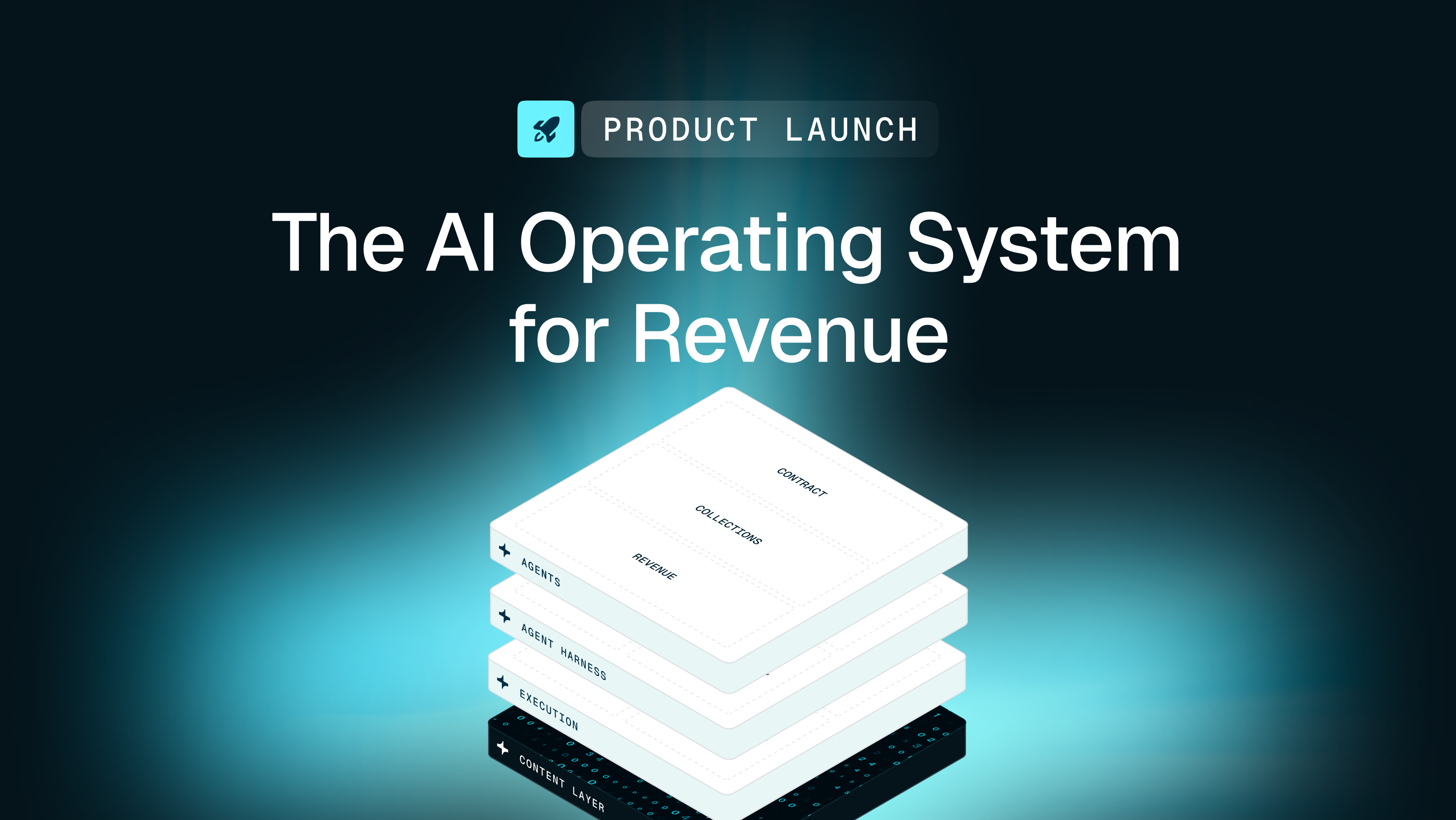
Tabs is an AI-powered Revenue Automation platform that sits downstream of your CRM and CPQ to operationalize signed contracts—handling billing, collections, cash application, and Revenue Recognition in one unified system.
AI contract ingestion from signed agreements
Tabs extracts billing terms directly from signed contracts without manual document review. It uses trained models to identify pricing, payment terms, and billing schedules—whether subscription-based billing, usage-based, or hybrid—and then translates those terms into billing workflows, reducing transcription errors and rework.
Invoice automation and AR collections
Tabs generates accurate invoices automatically based on contract terms and usage data. Embedded payment links reduce friction and accelerate collections. Automated reminders trigger based on aging and historical payment behavior.
Cash application and payment matching
Payments from ACH, wire, credit card, and check flow into one system. Tabs uses AI to automate payment matching by leveraging the commercial context of the original contract. Unmatched payments route to the right owner with full context attached.
ASC 606 revenue recognition with audits
Downstream of cash application, Tabs automates Revenue Recognition for ASC 606 compliance. The system generates journal entries based on contract terms and delivery milestones. Every recognition decision is logged, providing audit-ready reports without spreadsheet workarounds.
Commercial Graph advantage for context
The foundation of Tabs is the Commercial Graph—a unified customer record connecting contracts, usage data, payments, and terms across hybrid billing models and beyond. This allows finance, RevOps, and leadership to operate from a single source of truth—whether managing seat-based billing, consumption models, or complex enterprise contracts.