








For finance teams managing complex B2B billing models, a slow AR collection cycle drains working capital and keeps your team stuck in manual follow-up instead of strategic work. This guide breaks down each step of the collection process, identifies where delays typically occur, and shows how automation can help you collect faster without adding headcount.
What is the AR collection cycle?
The accounts receivable (AR) collection cycle is the complete process that starts when you send an invoice and ends when you collect and record the payment. This means every step in between—credit approval, invoice delivery, payment follow-up, cash application, and reconciliation—falls within this cycle.
For B2B companies with subscription, usage-based, or hybrid billing models, this cycle gets complicated fast. Variable payment terms, milestone payments, and frequent contract amendments create layers of complexity that simple billing tools weren't built to handle.
The length of your collection cycle directly impacts your cash flow and working capital. When invoices sit unpaid, you can't reinvest that money into operations or growth. And when your finance team spends weeks chasing payments manually, they're not doing the strategic work that actually moves the business forward.
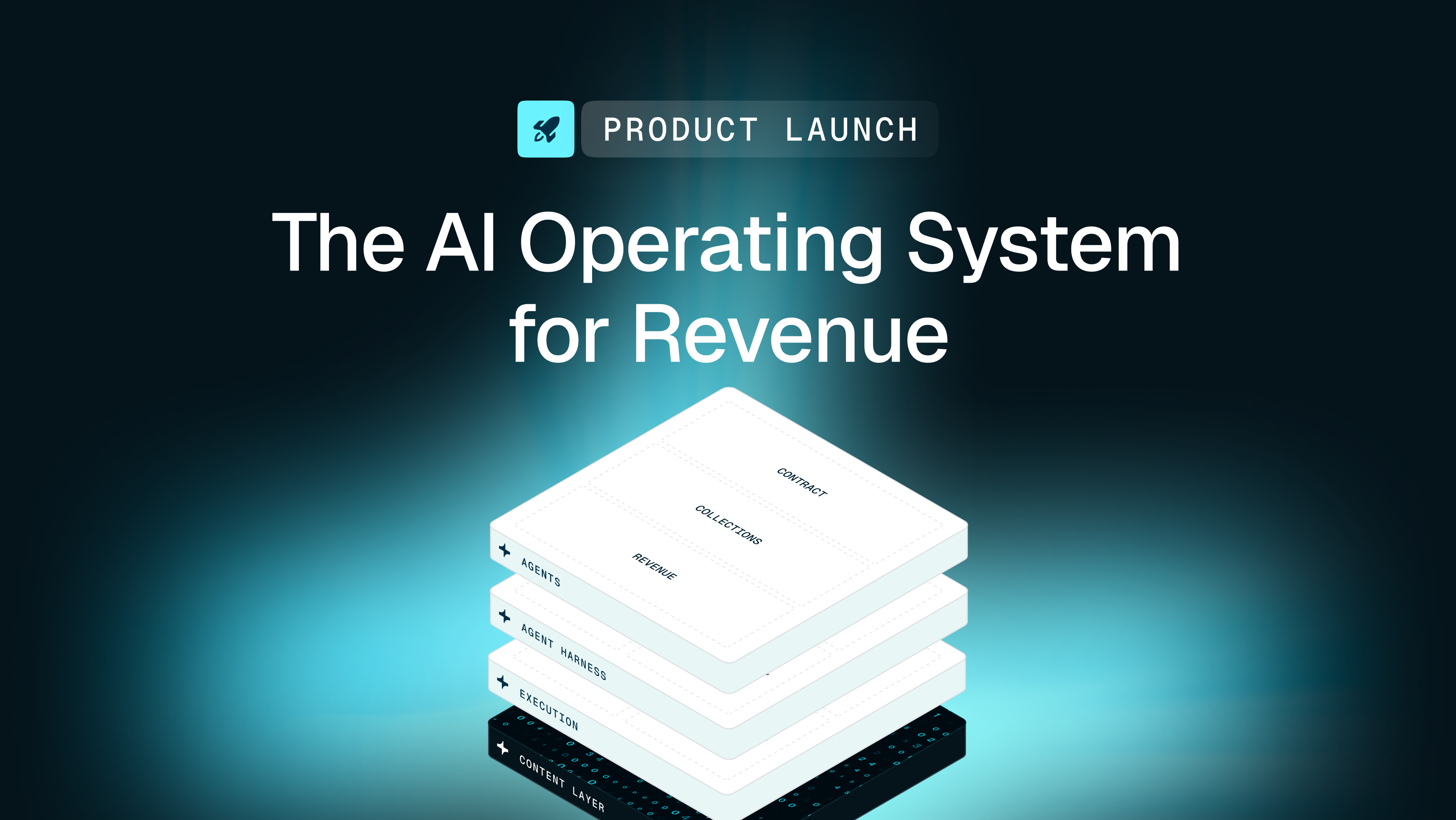
This is where commercial context matters. Unlike generic billing tools that just move data around, Tabs unifies contract terms, usage data, and payment history into the Commercial Graph. This gives your finance team the context to see not just what's owed, but what contract terms and events created the charge—enabling accurate invoicing and faster collections starting with your first billing cycle.
Steps in the AR collection cycle
The accounts receivable process follows a predictable sequence. Understanding each step helps you identify where delays happen and where automation can eliminate friction.
Step 1 — Establish credit terms and customer onboarding
Your collection cycle actually begins before you send a single invoice. A credit policy is a set of guidelines that determines which customers get payment terms and how long they have to pay.
During onboarding, you conduct credit checks, negotiate terms, and document everything in the contract. Skip this step or leave terms vague, and you'll spend months chasing payments that customers claim they never agreed to.
Why it matters: Clear terms upfront prevent disputes downstream.
Step 2 — Generate and deliver invoices
Invoices should be generated directly from your contract terms—subscription schedules, usage thresholds or milestone triggers. The moment a billing event occurs, the invoice should go out.
Manual invoice creation from PDFs introduces errors and delays. Tabs uses AI to extract billing terms from signed contracts and map them into billing workflows—reducing manual data entry and helping invoices align to the executed agreement language and downstream Revenue Recognition requirements.
Why it matters: Accurate invoices sent immediately start the payment clock sooner.
Step 3 — Track invoice status and aging
Once invoices go out, you need to monitor them using an aging schedule. This categorizes unpaid invoices by how long they've been outstanding:
- Current: Invoice issued, payment not yet due
- 1–30 days past due: First follow-up window
- 31–60 days past due: Escalation triggers
- 61–90 days past due: High write-off risk—executive involvement needed
- 91+ days past due: Highest write-off risk—executive involvement needed
Tracking these buckets helps you prioritize which accounts need attention now versus which can wait.
Why it matters: Early intervention prevents small delays from becoming big problems.
Step 4 — Execute collections and dunning workflows
Dunning is the systematic process of communicating with customers about overdue payments. This includes automated email reminders, phone outreach, and escalation paths when payments don't arrive.
Inconsistent follow-up extends your collection timeline—companies using automated payment reminders collect receivables 12 to 18 days faster—and damages customer relationships. A structured dunning cadence ensures the right message reaches the right person at the right time—without requiring your team to track every overdue invoice manually.
Why it matters: Consistent communication gets you paid faster without burning bridges.
Get paid faster—automate AR collections with Tabs
Step 5 — Receive and apply payments
Cash application is matching incoming payments to the correct open invoices. Sounds simple. It's not.
Partial payments, unapplied cash, and mismatched remittance data create reconciliation nightmares. When payments sit unapplied, your aging reports become unreliable and your revenue reporting suffers.
Why it matters: Clean cash application keeps your books accurate and your close on schedule.
Step 6 — Manage disputes and deductions
Disputes happen when customers disagree with pricing, report service issues, or misunderstand contract terms. These disagreements stop the collection cycle cold.
Without clear ownership and resolution workflows, disputes age on your books while internal teams debate who should handle them. You need defined service-level agreements (SLAs) and escalation paths to keep cash moving.
Why it matters: Unresolved disputes tie up cash and inflate your aging metrics.
Step 7 — Reconcile and close
The final step is reconciling collected cash against issued invoices and clearing your AR subledger. This ensures your bank deposits match your accounting records.
Manual reconciliation is time-consuming and error-prone, especially at high invoice volumes. Automating this step is essential for a clean, predictable month-end close.
Why it matters: Clean reconciliation means confident financial reporting.
Common AR collection cycle challenges
Even with documented procedures for accounts receivable, friction points slow down collections and trap working capital. Here's where most finance teams get stuck.
Disconnected systems and data silos
When contracts live in email, billing logic sits in spreadsheets, and payments happen in a separate portal, you've created data silos. Your team wastes time hunting for information instead of collecting cash.
Without a unified view of each customer, highly skilled accountants become data routers rather than strategic advisors.
Manual invoice generation and follow-up
Creating invoices manually from contract PDFs doesn't scale. Neither does tracking follow-ups in disconnected spreadsheets.
Human data entry makes it far more likely that errors slip through to customers—errors that create disputes and delay payments.
Unclear or inconsistent payment terms
Ambiguous contract language leads directly to disputes. When sales negotiates custom terms that finance can't easily track, the collection process breaks down.
Customers will exploit unclear terms to hold onto cash longer. And without proper documentation, your team has no leverage to push back.
Disputes without resolution workflows
When a customer short-pays or raises a dispute, the issue often sits unresolved because no one owns it. These deductions age on your books while internal teams argue over who should contact the client.
Without clear SLAs, disputes become a permanent drag on cash flow.
Poor visibility into collection performance
Without real-time dashboards, you can't identify bottlenecks or forecast cash accurately. Month-end aging reports arrive too late to course-correct.
You can't improve what you can't see in real time.
Best practices for AR collection cycles
The best practices for accounts receivable focus on proactive communication and clear policies. Here's how to train your customers to pay on time.
- Standardize credit policies: Define clear terms during the sales process and enforce them consistently across all customers.
- Automate invoice delivery: Send invoices immediately upon contract execution or when a usage threshold is crossed.
- Segment customers by risk: Prioritize manual outreach toward high-value or high-risk accounts that need a personal touch.
- Offer multiple payment options: Embedded payment links reduce friction and accelerate collection.
- Establish dunning cadences: Automate reminder sequences with escalation triggers based on days past due.
- Resolve disputes quickly: Set strict SLAs for resolution and track root causes to prevent recurrence.
These ways to improve accounts receivable collections help you reduce accounts receivable balances over time without adding headcount.
KPIs for AR collection cycles
You can't manage what you don't measure. These metrics reveal the health of your collection process and highlight where your team needs to focus.
Days sales outstanding (DSO)
Days sales outstanding is the average number of days it takes to collect payment after sending an invoice. Lower DSO means faster collections and healthier cash flow.
DSO benchmarks vary by industry and customer mix—PwC's Working Capital Study found global DSO rose 5.7% over the past decade. Track your days to collect receivables over time to spot negative trends before they cause a cash crunch.
Collection effectiveness index (CEI)
The collection effectiveness index measures how well your team collects receivables within a given period, accounting for credit sales and beginning balances. CEI provides a more nuanced view than DSO alone.
CEI isolates your team's actual collection performance from the timing of new sales. A high CEI means you're converting open invoices into cash regardless of revenue fluctuations.
AR aging distribution
Tracking the percentage of AR in each aging bucket reveals the quality of your outstanding balances. A growing share of aged receivables signals systemic issues—whether in invoicing accuracy, dunning execution, or dispute resolution.
A heavy aging tail demands immediate attention.
How automation shortens AR collection cycles
Modern Revenue Automation reduces manual bottlenecks across every stage of the collection process—especially contract-to-invoice, dunning, and cash application. But this isn't just about speed. It's about accuracy, consistency, and visibility.
Tabs uses AI to automate contract extraction, generate precise invoices, and trigger intelligent dunning workflows. Because Tabs is grounded in the Commercial Graph, it connects contracts, usage, and payment history to translate the actual business logic behind every collection action into consistent billing and collections workflows.
Modern revenue automation platforms don't just show when invoices are due—they forecast when cash will actually land based on historical payment behavior and contract terms, using the signed contract as the source of truth downstream of your CRM and CPQ.
Here's what that looks like in practice:
- Contract-to-invoice automation: AI extracts billing terms from signed contracts, eliminating manual PDF review.
- Embedded payment links: Invoices include one-click payment options that reduce customer friction.
- Smart dunning workflows: Automated reminders escalate based on aging, customer segment, and payment history.
- Real-time cash application: Payments match to invoices automatically when remittance data is clear, with exception flagging for partial payments, deductions, and missing remittances.
- Unified audit trail: Every invoice, payment, and collection action is logged for compliance and audit-grade transparency.
| Manual process | Automated with Tabs |
|---|---|
| Extract terms from contract PDFs | AI ingests contracts and populates billing fields |
| Create invoices in spreadsheets | Invoices generated automatically from contract data |
| Track aging in separate reports | Real-time aging dashboard with drill-down |
| Send reminders manually | Dunning sequences triggered by aging thresholds |
| Reconcile payments at month-end | Continuous cash application with exception flagging |
Frequently asked questions
How does the AR collection cycle differ from the full revenue cycle?
The AR collection cycle is a subset of the broader revenue cycle. While the revenue cycle covers everything from sales through revenue recognition, AR collection focuses specifically on converting outstanding invoices into cash.
Why do longer AR collection cycles hurt cash flow?
Longer cycles delay cash inflows, reducing the working capital available for operations, payroll, and growth investments. Shortening the cycle accelerates cash conversion and improves financial flexibility.
Can automation handle complex B2B billing models like usage-based pricing?
Yes. Modern revenue automation platforms like Tabs natively support subscription, usage-based, and hybrid billing models—applying the right billing logic automatically based on contract terms and actual usage data.