





Skip the manual portal work
Map the customer to their portal once, and Tabs handles submitting every invoice moving forward.


Automated AP Portal Submissions
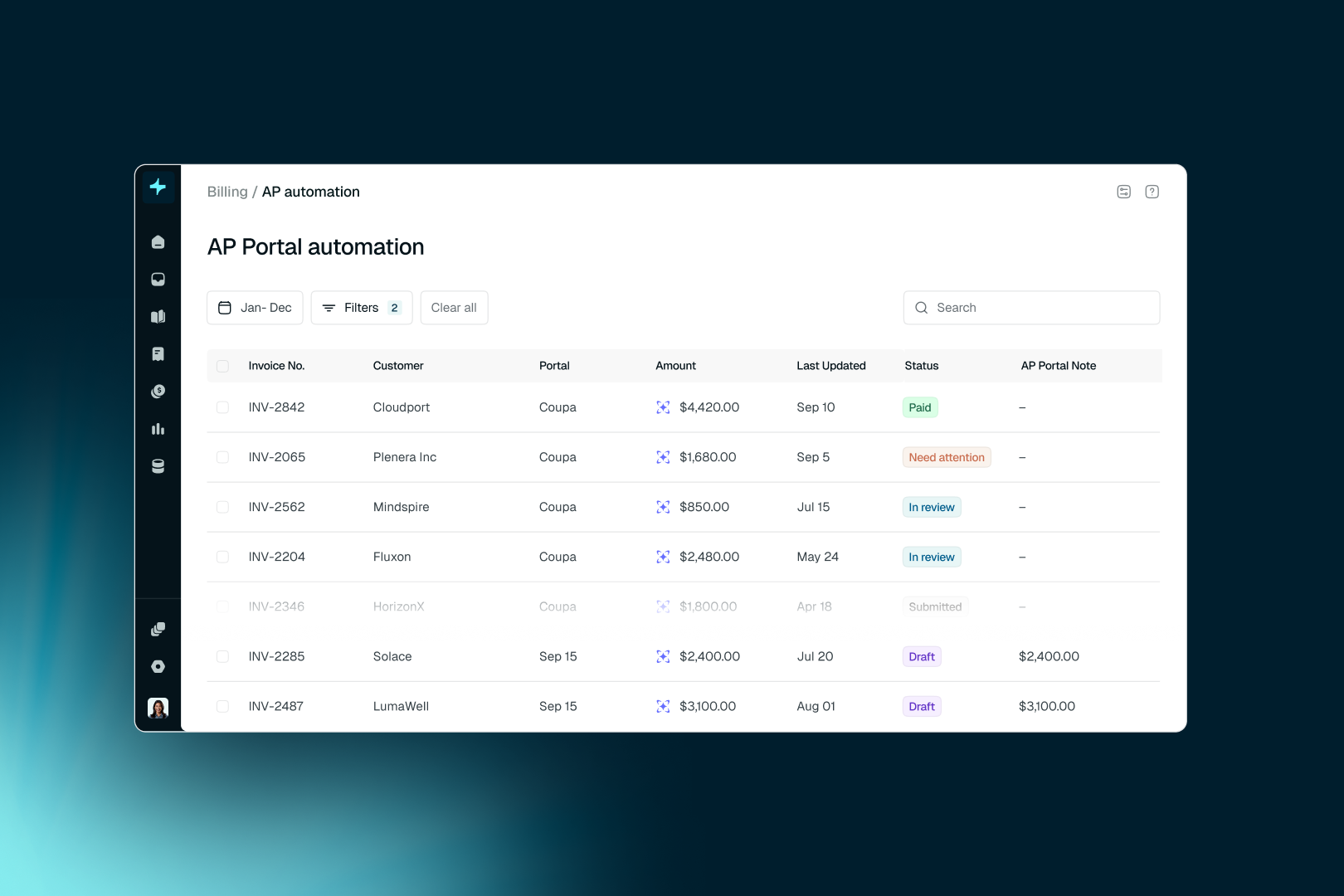
Collections Agent submits invoices to 200+ portals including Coupa, Ariba, Oracle, and any other portal your buyers require. It tracks the status of each submission, and flags rejections and disputes. Your team steps in only when something needs attention.
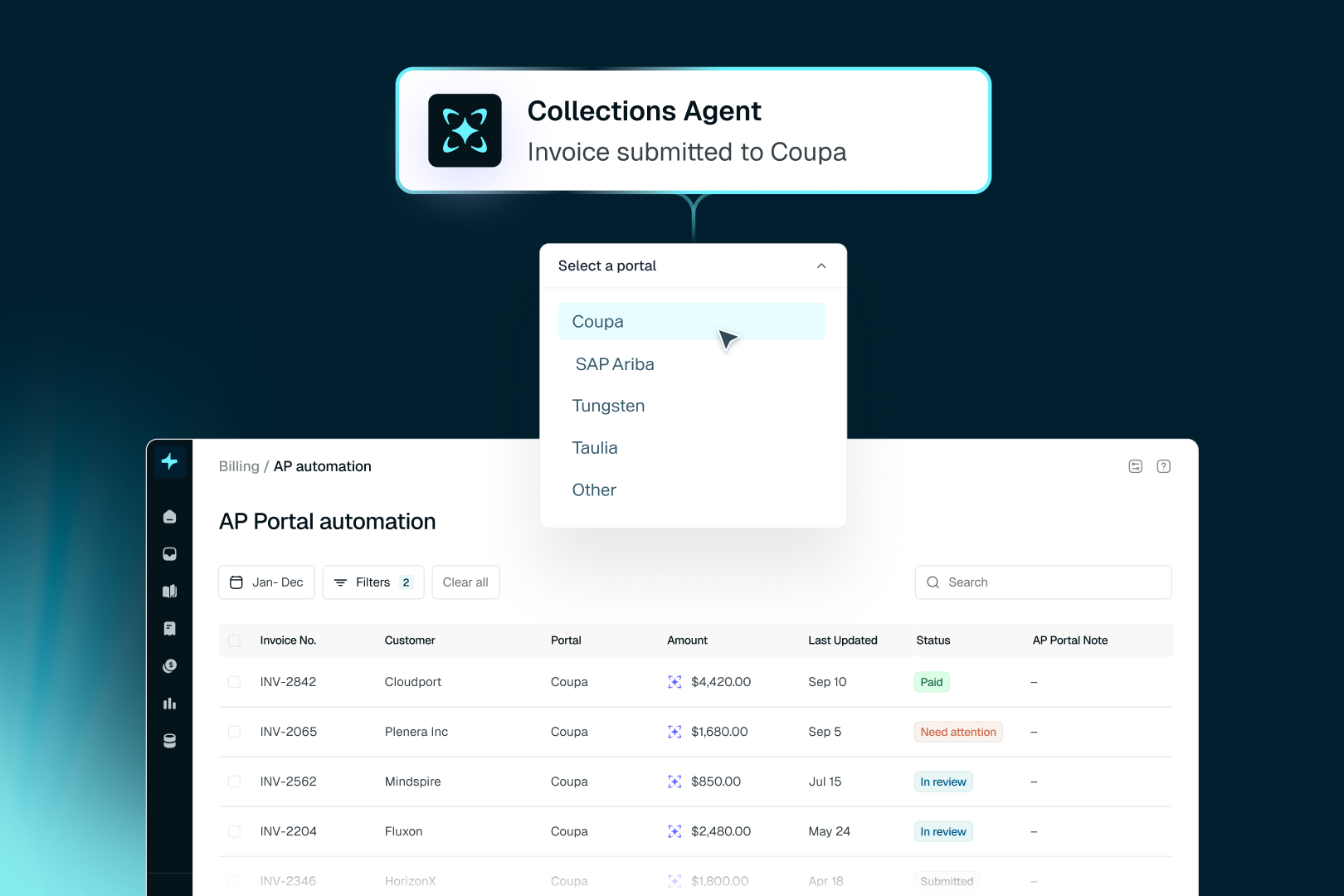
Map the customer to their portal once, and Tabs handles submitting every invoice moving forward.

Rejections and disputes are flagged, so you know which submissions to follow up on.

Portal status feeds into Collections Agent, the system handling follow-ups, so each message reflects what's happening on the account.
Set up portals once and Collections Agent takes it from there, even as new customers and portals get added.
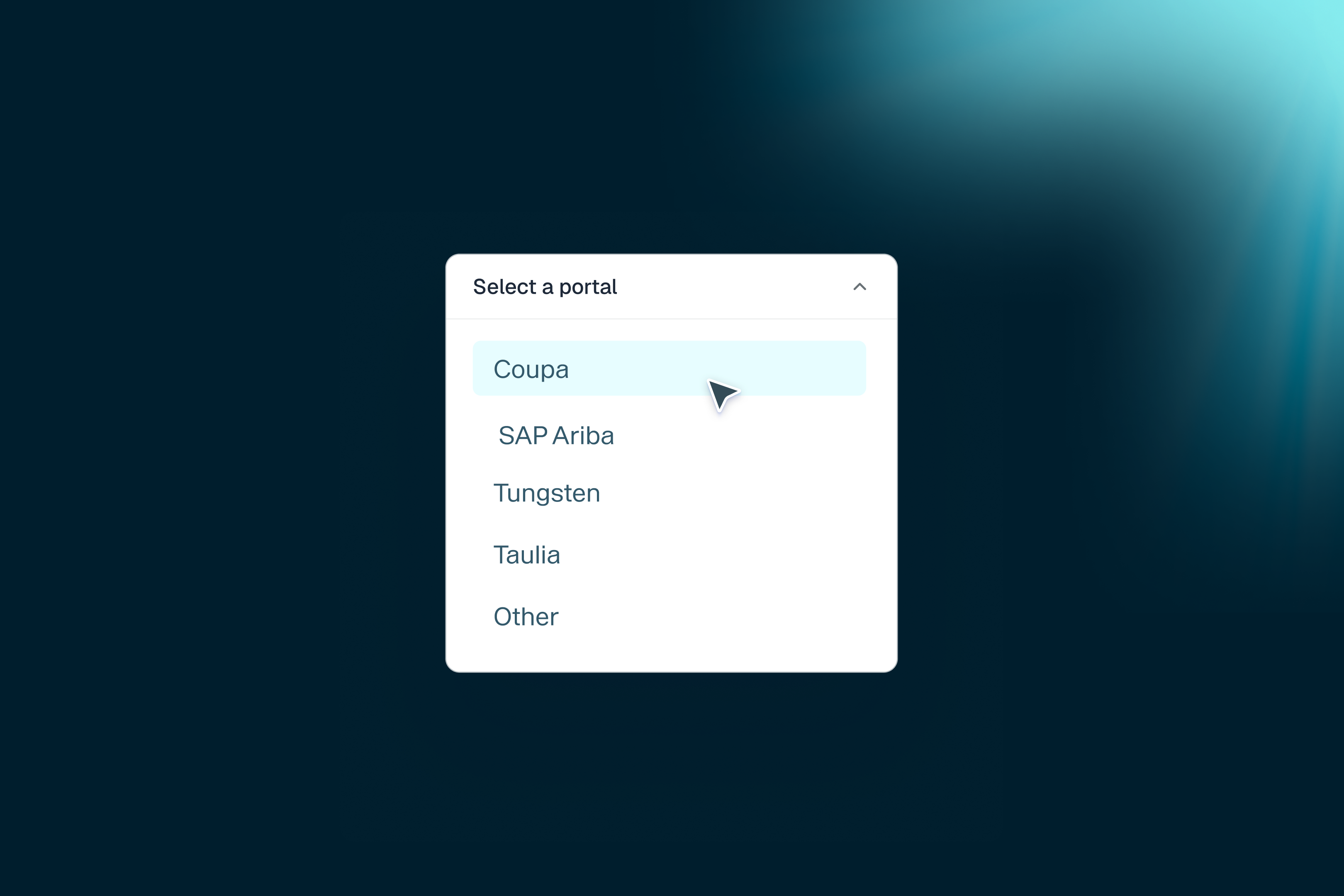
200+ portals supported including Coupa, Zip, Oracle, Ariba, and VendorCafe.
Collections Agent checks the status of every portal for you, so your team doesn't have to.